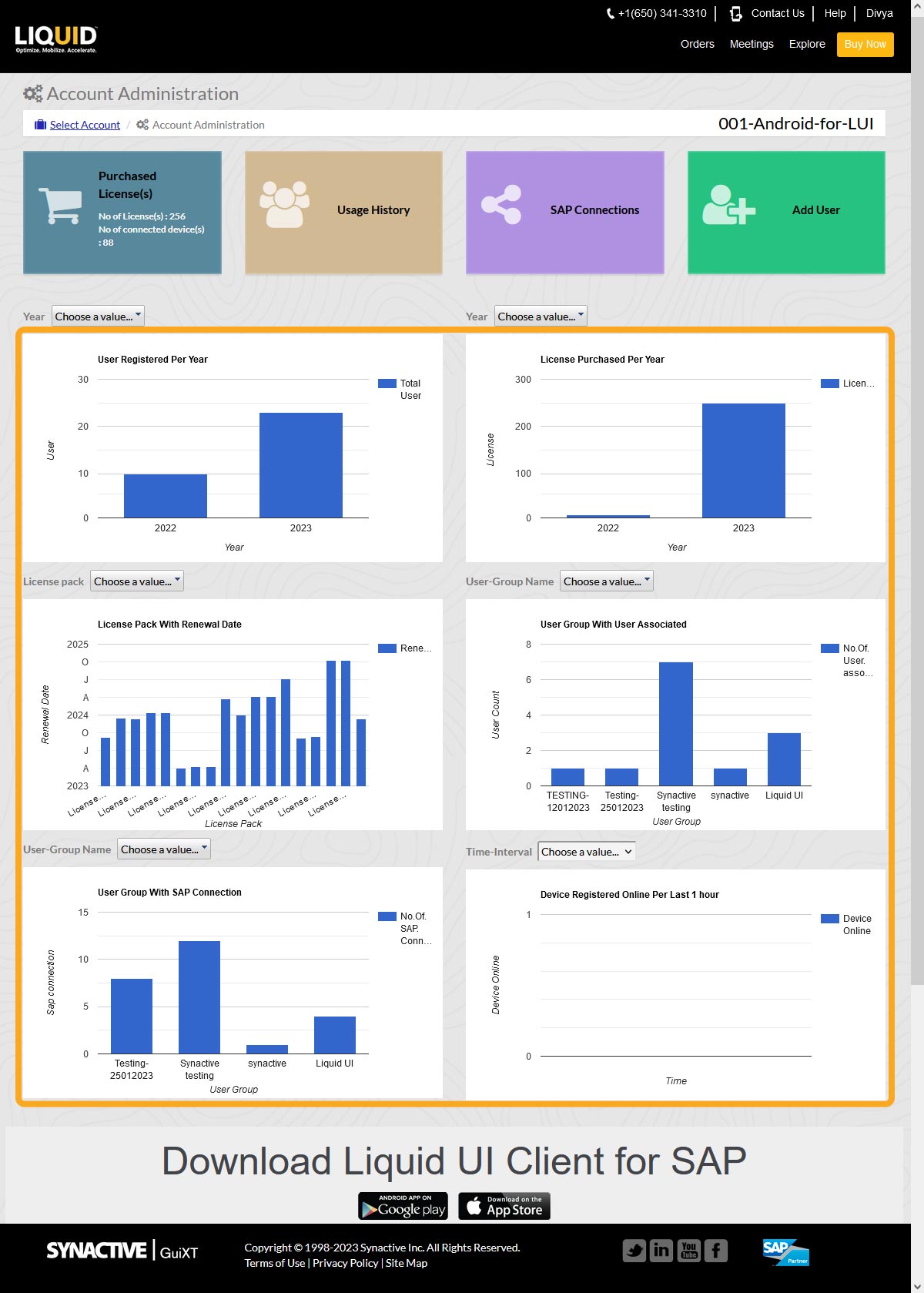


The Account Administration section in the Liquid UI Access Management Portal (LAMP) provides administrators with an overview of account activity and access to account management options, including users, licenses, SAP connections, and user groups.
If you do not have a LAMP account, see 1.01 What is Liquid UI Access Management Portal and how do I request an account?
- Log in to LAMP and select your account to open the Account Administration screen.
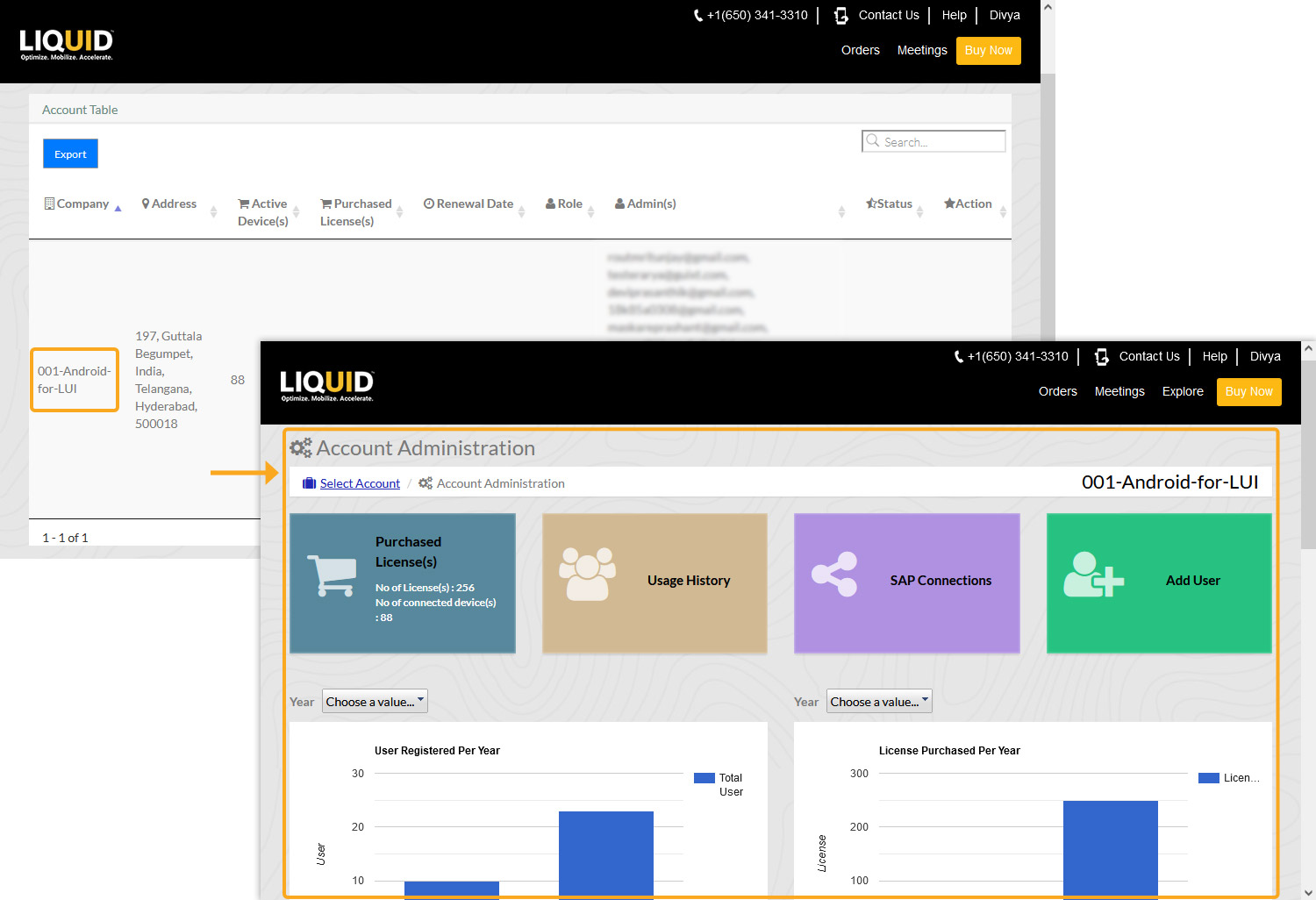
The Admin dashboard provides access to the following options:
- The Admin dashboard displays graphical summaries of key account metrics, including registered users, purchased licenses, license pack renewal dates, user groups, SAP connections, and recently registered devices.