SAP to Excel Automation without Touching the Backend
Liquid UI helps teams validate spreadsheet and document-based data, catch errors before posting, and move work into SAP without manual re-entry or custom backend development.
How it Works
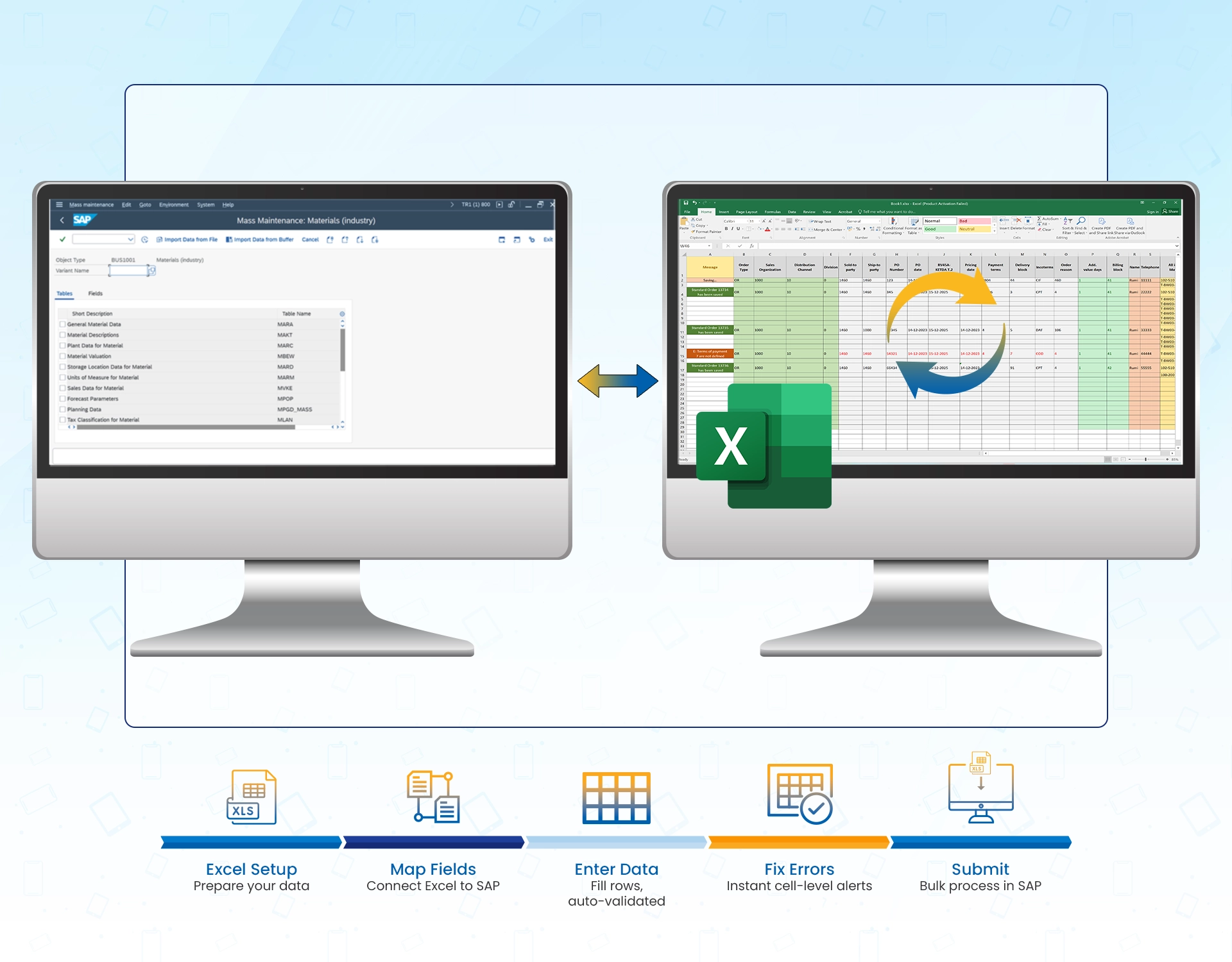
Map your Excel columns to SAP fields
Your team's existing spreadsheet columns are mapped to their corresponding SAP fields.

Enter data in Excel — SAP validates in real time
As rows are filled in, SAP checks each value against its own business rules. Error alerts appear in the cell, before anything is submitted.

Mass create or update in SAP, without ever leaving Excel.
Once you submit, Liquid UI processes every row in SAP — creating orders, updating records, or posting transactions in bulk.
Connect SAP to Excel with Liquid UI
Common Excel to SAP workflows
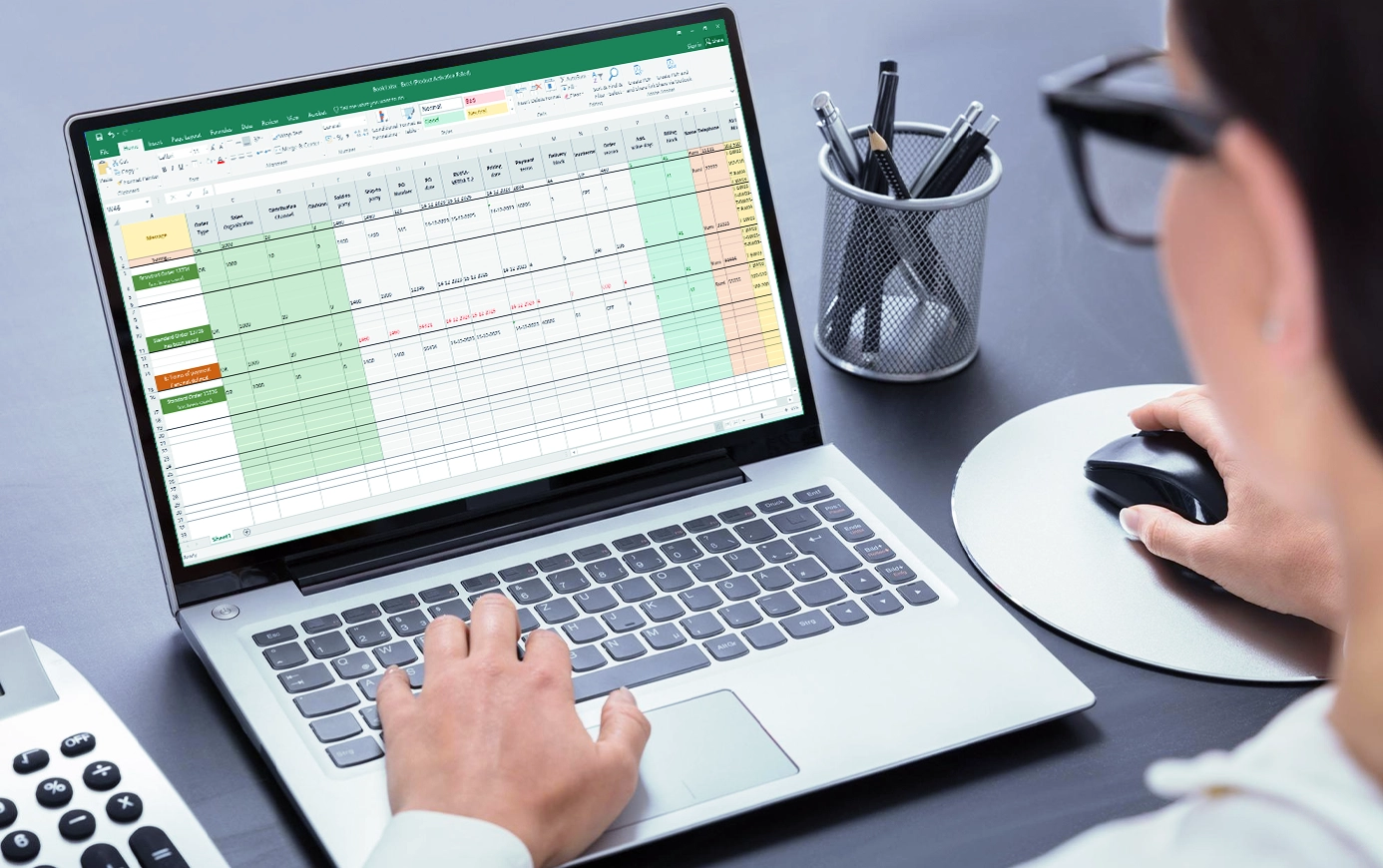
Create hundreds of sales orders without touching SAP
- Enter order data into your mapped Excel template.
- SAP validates credit limits, pricing conditions, and material availability on every row before submission
- Invalid rows are flagged inline
- Clean rows post to SAP in bulk

Create materials in bulk
- Fill in material data across all SAP views in one Excel sheet
- SAP validates each record against existing master data before creation
- Material numbers write back into the sheet the moment each record is created

Generate payment advices in bulk
- Enter company code, account, payment amounts, and bank details directly in Excel
- SAP validates customer and vendor records before each advice is created
- Invalid entries are flagged inline with the exact SAP error
- Payment advice numbers write back into the sheet for every successfully created record

How Intradeco automated SAP MM and saved 80% of processing time with Liquid UI for Excel
Intradeco's teams were navigating multiple SAP transactions — material orders, BOMs, goods receipts, invoices — one entry at a time. With Liquid UI for Excel, that entire process moved into a single spreadsheet with automatic validations and background processing built in.
- 80% time savings — multiple material orders created in one import instead of one at a time
- Inline error validation highlighted data issues by color, fixable directly in Excel
- BOM, info records, and pricing conditions generated automatically in the background
- Direct SAP data entry eliminated entirely
Built for Enterprise IT
Secure Access Across Systems
Liquid UI supports TLS 1.3, mutual TLS, Kerberos, Active Directory, MYSAPSSO2, and SAP Secure Login so IT can enforce secure, policy-aligned access across Salesforce-connected SAP workflows.
Less Integration Sprawl
Instead of supporting separate mobile tools, web layers, scanner apps, and custom front ends, IT can manage one platform across SAP touchpoints with one customization layer to maintain.
Excel without the integration overhead
Deploy Liquid UI server-side once and your entire organization can run SAP workflows from native Excel — no add-ins to install, no middleware to maintain, and no separate front end to manage.
Work in SAP From Excel
See how Liquid UI connects Excel to SAP so your teams can create, update, and validate SAP data without leaving the spreadsheet they already work in.