Your RFID, Sensors, and Devices Inside SAP Within Days.
Scan a barcode, read a temperature, capture a signal and have it exactly where it needs to in your SAP workflow. No middleware. No custom apps. No backend changes.
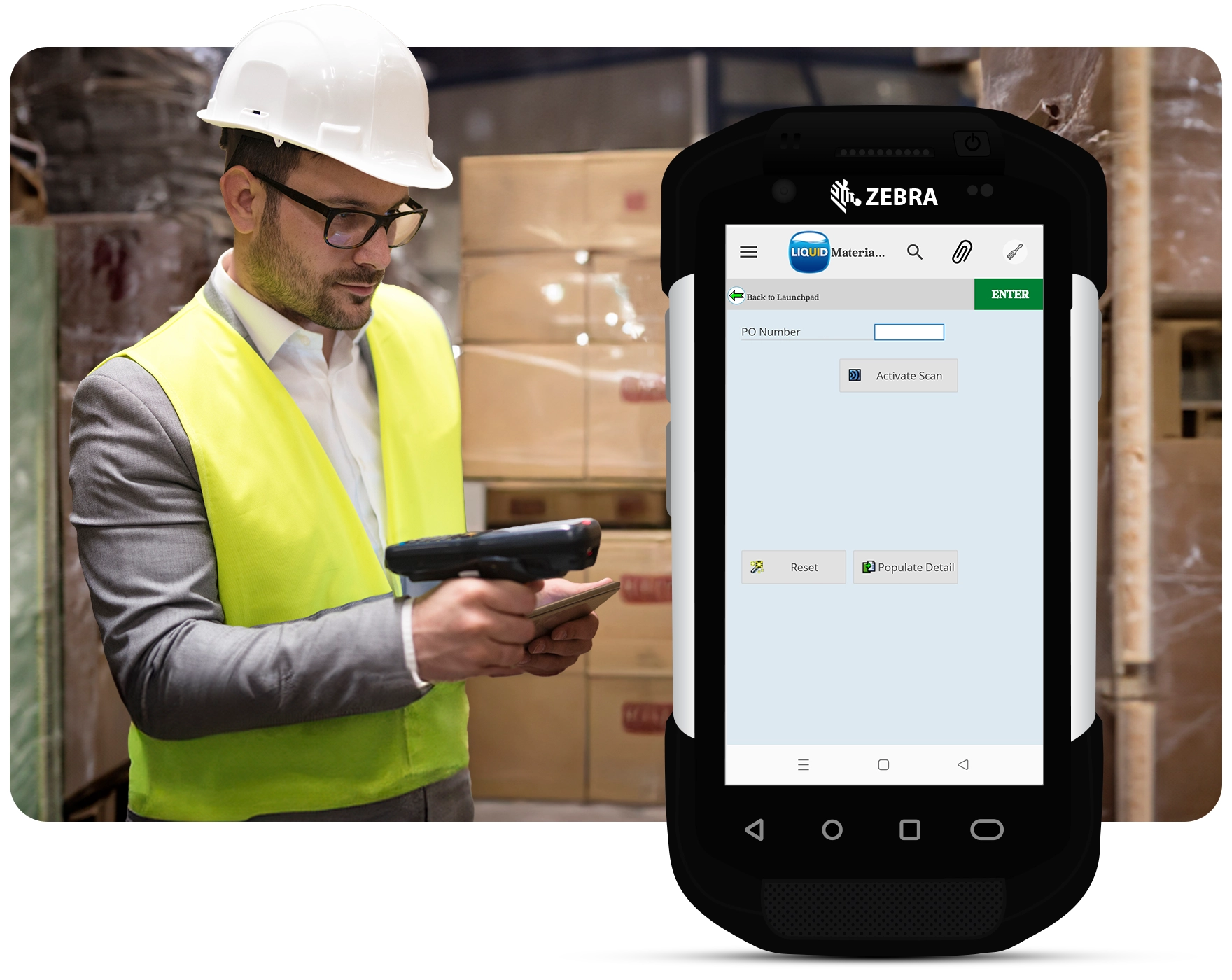
Connect the Physical World to SAP
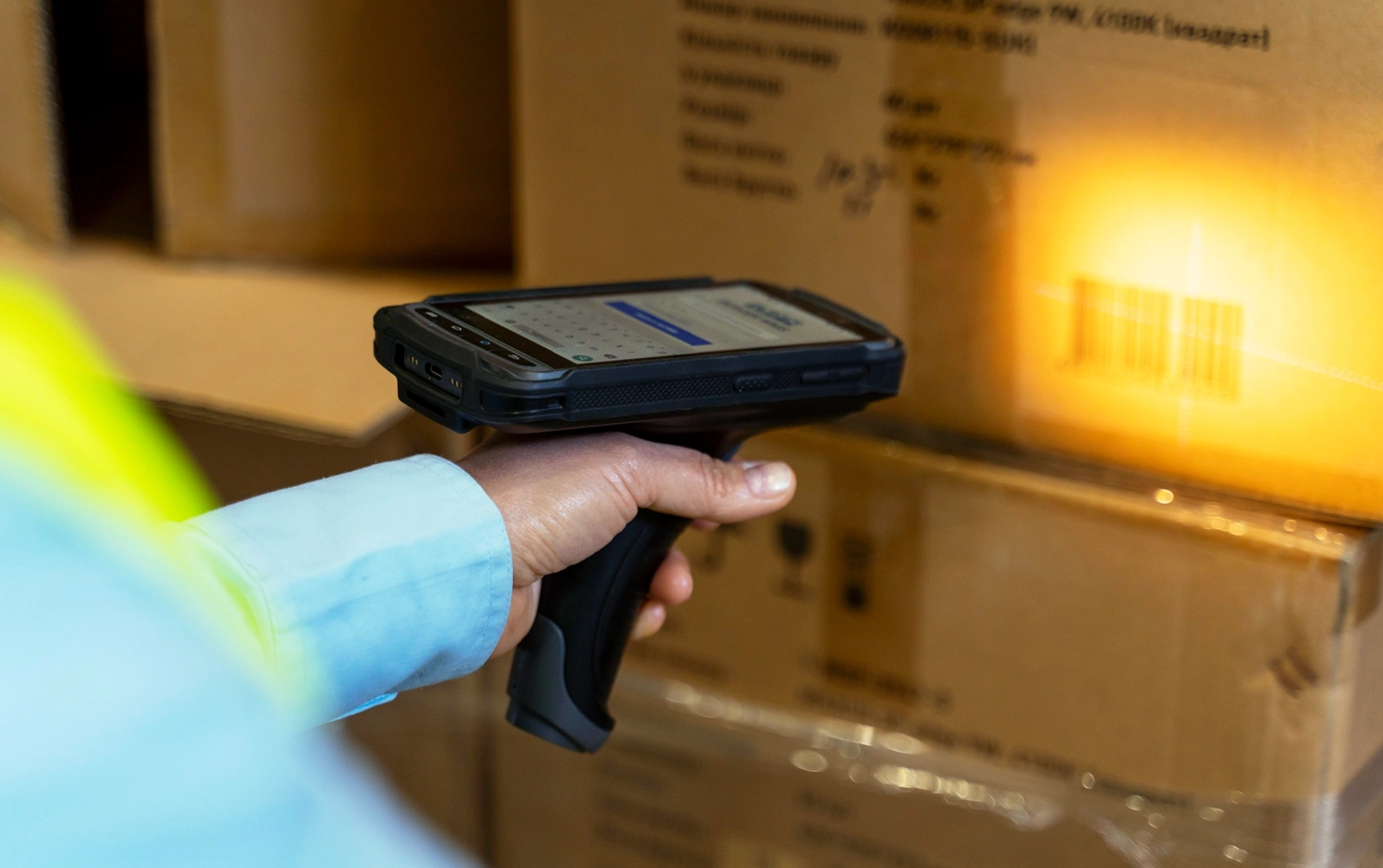
Barcode Scanning
Scan directly into any SAP input field. Works with built-in cameras, rugged scan guns, and Bluetooth scanners. Out-of-the-box.
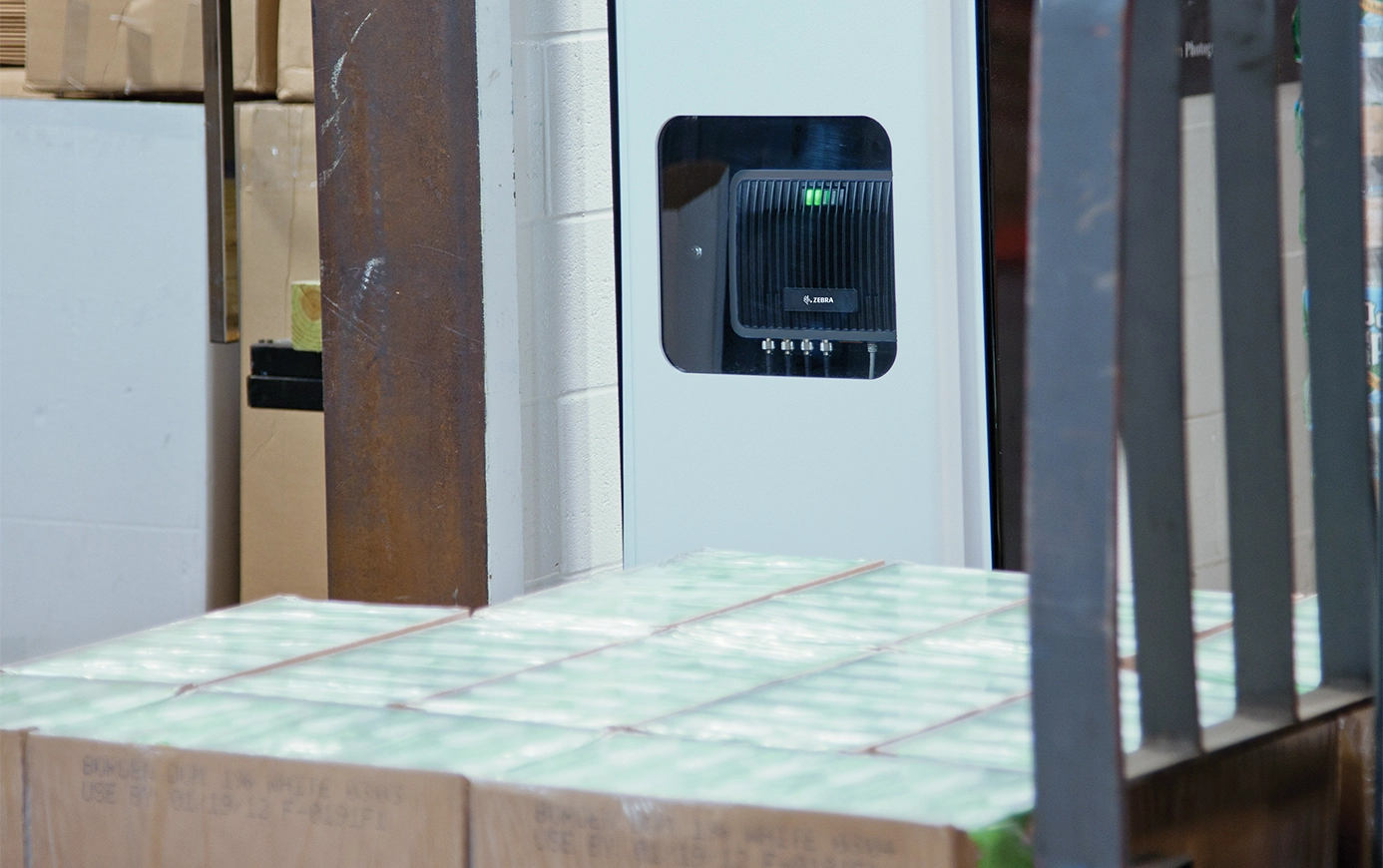
Fixed RFID Readers
Stream tag reads directly into SAP as items move through your facility. Connects to your existing RFID management system with no external development required.

Voice Commands
Operate SAP hands-free. Speak into SAP for gloves on environments.
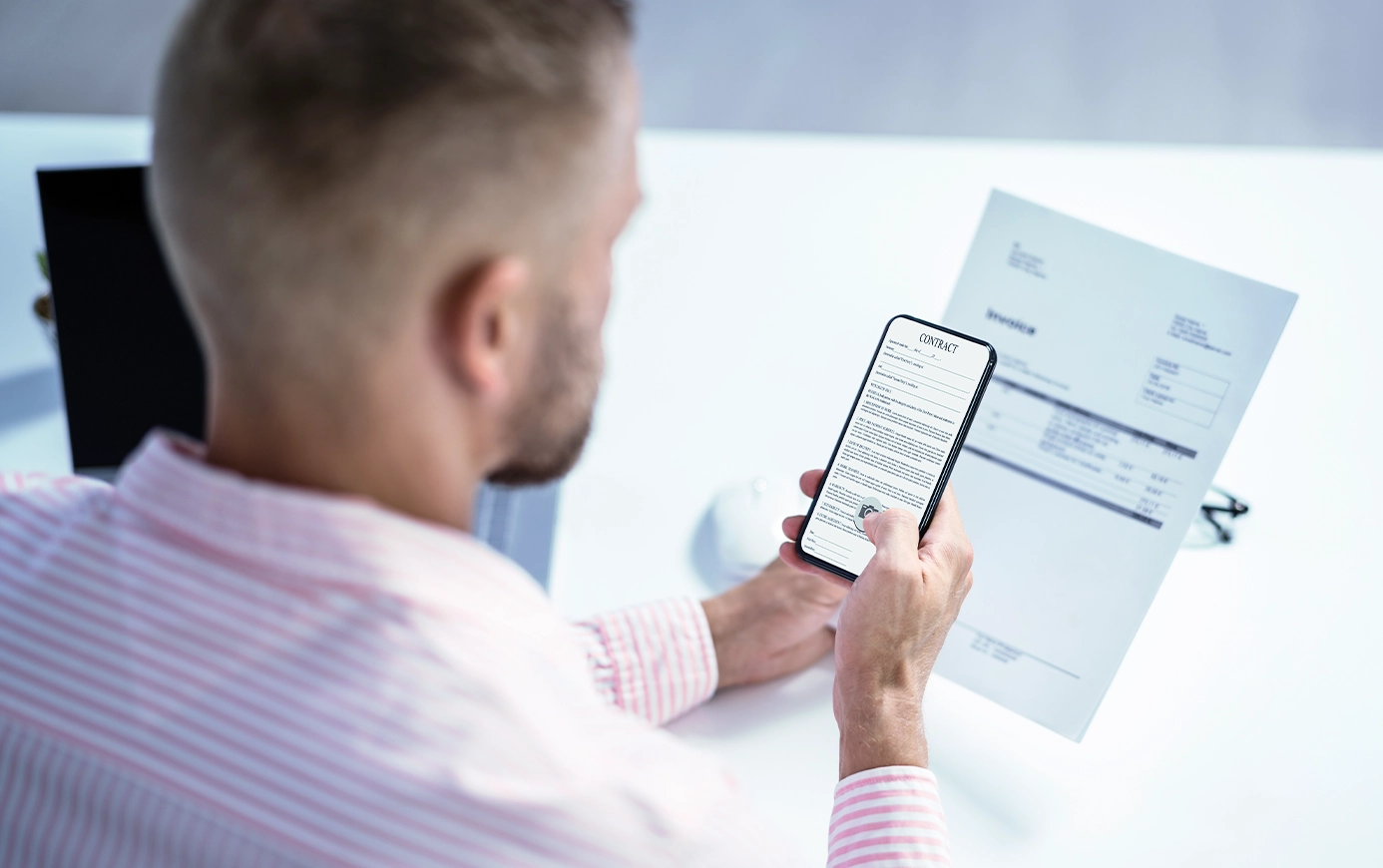
Camera & OCR
Point at a document, invoice, or serial plate and populate SAP fields automatically. Attach photos directly to SAP transactions for maintenance reports, delivery proofs, and quality inspections.
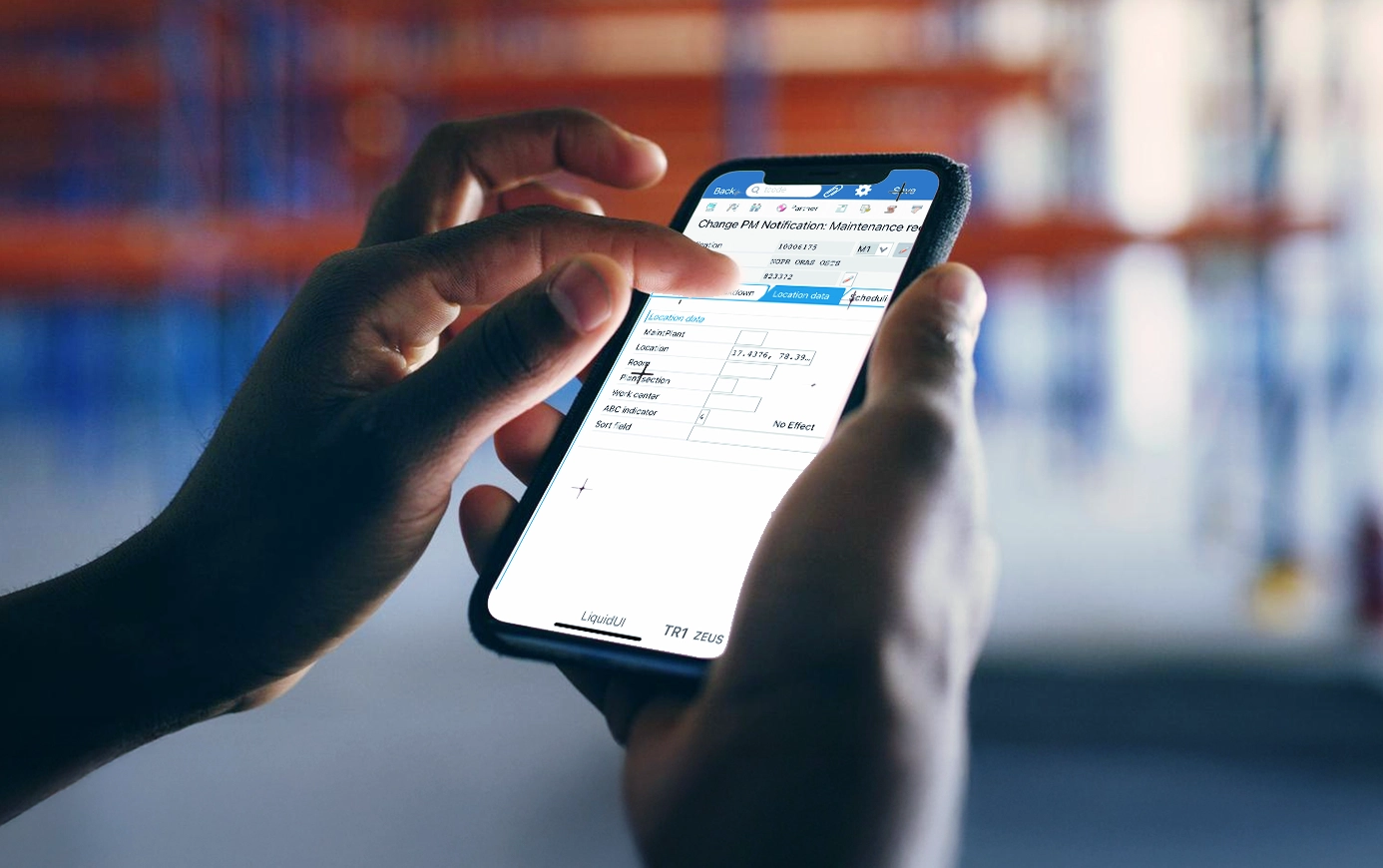
GPS & Location
Capture location data into SAP with one tap. Geo-stamp field service activities, log delivery routes, and track assets directly inside your SAP screens.
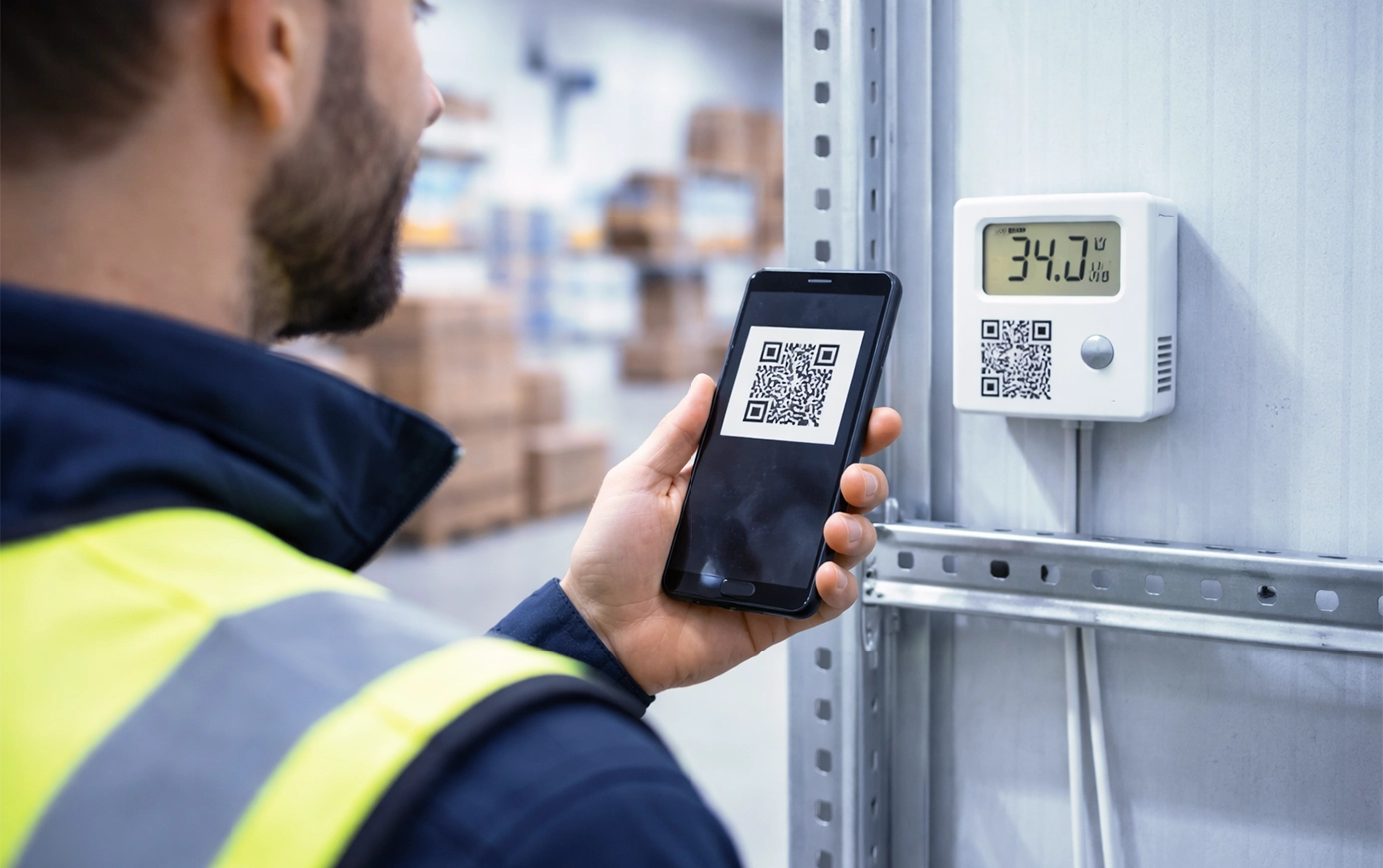
Temperature & Humidity Monitors
Enroll sensors by scanning a QR code and feed readings directly into SAP quality management. Set thresholds, trigger alerts, and keep compliance records without manual logging.
How It Works
Pick your device
We support it out of the box or configure it fast without touching your SAP backend.

Map it to your SAP transaction
No backend changes, no ABAP

Deploy in days, not months
No middleware, no transport cycles, no custom APIs.

Welch Allyn: 10x Faster Warehouse Operations
Welch Allyn, a global medical device manufacturer, replaced 22 manual keystrokes per warehouse transaction with a single barcode scan. WM processes that took minutes now take seconds. Error rates dropped to near zero because workers scan instead of type.
Frequently Asked Questions
How does device data actually get into SAP fields?
Liquid UI scripts running on the Liquid UI Server receive device input — barcode scans, RFID tag reads, MQTT messages, REST API responses — and map them directly to SAP transaction fields. No ABAP, no middleware, no backend changes.
How long does implementation take?
Most device connections are configured and tested within days. Because Liquid UI sits on top of your existing SAP environment, there are no transport cycles, no change requests, and no cutover events.
Is this secure?
Liquid UI uses TLS 1.3 end-to-end between device and SAP, speaks SAP's own cryptographic library (SAPCRYPTO/CommonCryptoLib) natively, and requires mutual TLS so both device and server authenticate each other before any data flows. No anonymous connections, ever.
By default, no SAP data is stored on the device itself. Screens render in real time from the server — if a device is lost or stolen, there's nothing to breach.
What devices are compatible?
Liquid UI works with any device that runs Android, iOS, or Windows — including enterprise-grade rugged hardware from Zebra, Honeywell, Datalogic, and Panasonic. If your warehouse or plant is already standardized on a device brand, you're likely already compatible.
Connect Your First Device to SAP This Week
See it for yourself. No custom development, no backend changes, no integration project.