Faster, Smarter Procurement in SAP
Manual purchase order creation and invoice verification slow your procurement cycle and lead to costly errors. Multi-screen SAP transactions like ME21N and MIRO mean endless navigation, hand-keyed data entry, and approval bottlenecks that delay orders and payments. Liquid UI transforms SAP procurement into streamlined, guided workflows that are deployable in one day with results in one week.
- Accelerate PO creation and approvals
- Automate invoice matching and posting
- Reduce procurement cycle time




















The Gap

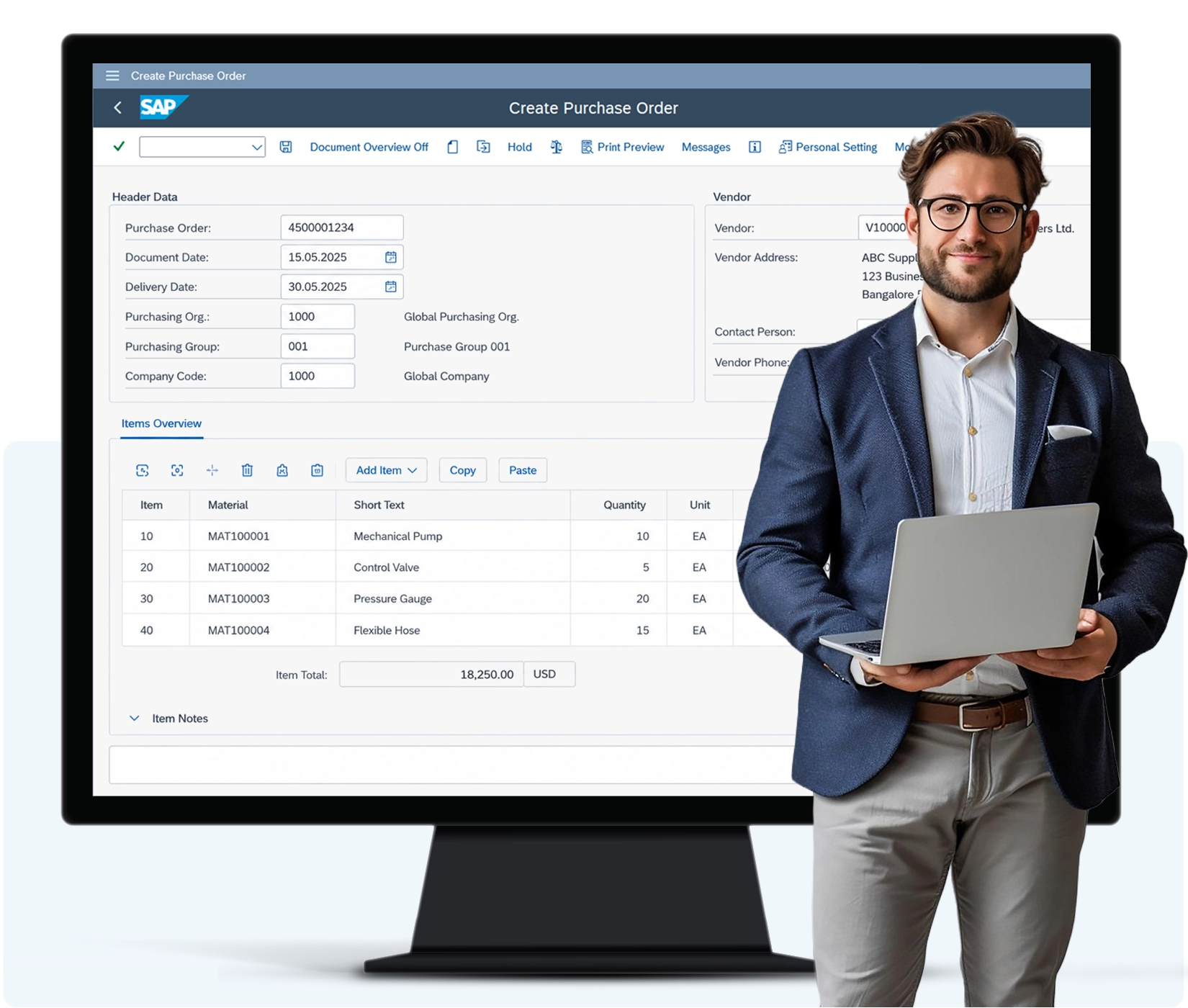
Multi-screen navigation across procurement
Every SAP MM workflow - purchase orders, invoice verification, master data maintenance - requires toggling between multiple screens, cross-referencing different transactions, and deciphering hundreds of fields.

Manual data entry and duplicated work
Vendor details, material numbers, quantities, prices, and GL accounts are hand-keyed across transactions. Typos ripple through the entire procurement cycle - wrong materials ordered, invoice mismatches, payment delays, and month-end reconciliation chaos.

Approval bottlenecks and exception handling
PO approvals get stuck in email chains. Material master changes and vendor record updates queue up waiting for approvals, slowing down procurement teams who need access to new materials or suppliers.
The Liquid UI Difference
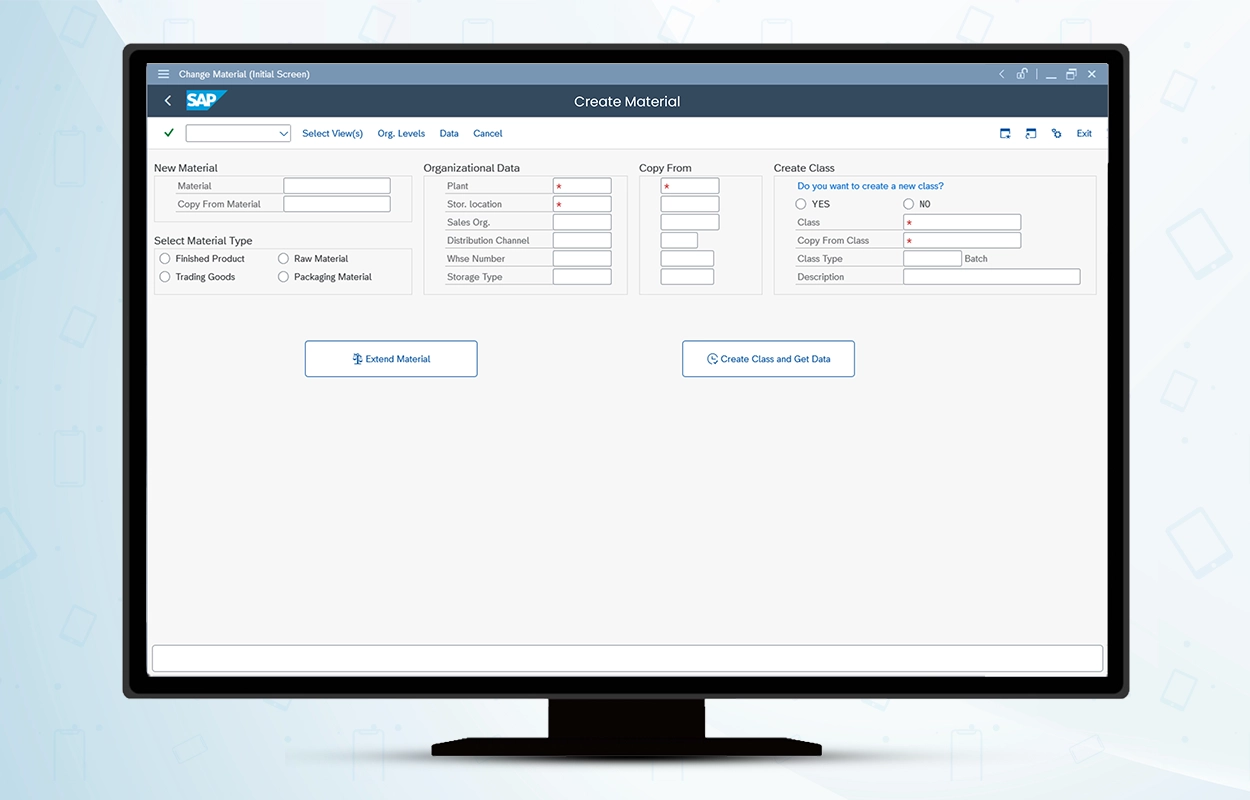
Screen consolidation
Collapse multi-tab SAP transactions into single guided screens. Create POs, verify invoices, and extend materials without navigating away or switching between ME21N, MIRO, and MM02
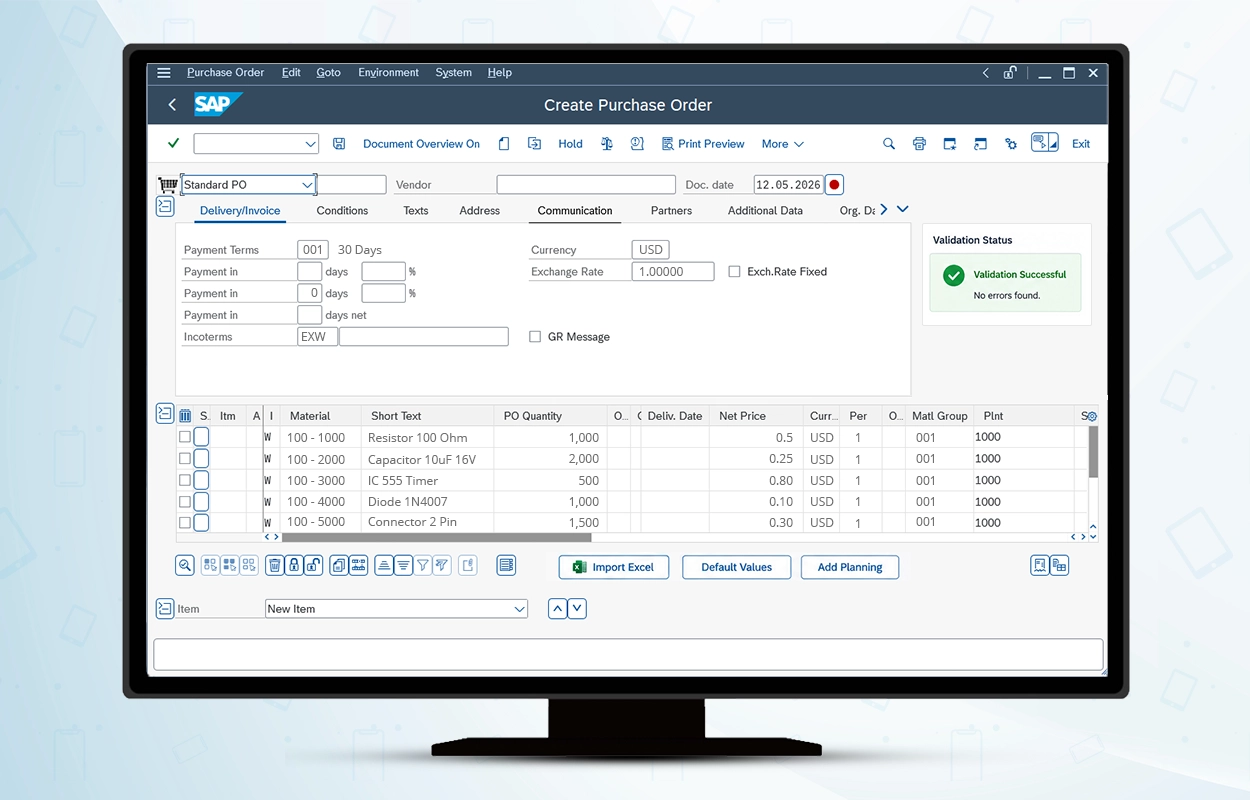
Automation that eliminates re-work
Auto-populate vendor and material data from master records. Scan barcodes to select materials instead of typing. Bulk-upload PO line items from Excel with built-in validation that catches errors before submission. Automated 3-way matching flags invoice discrepancies instantly.
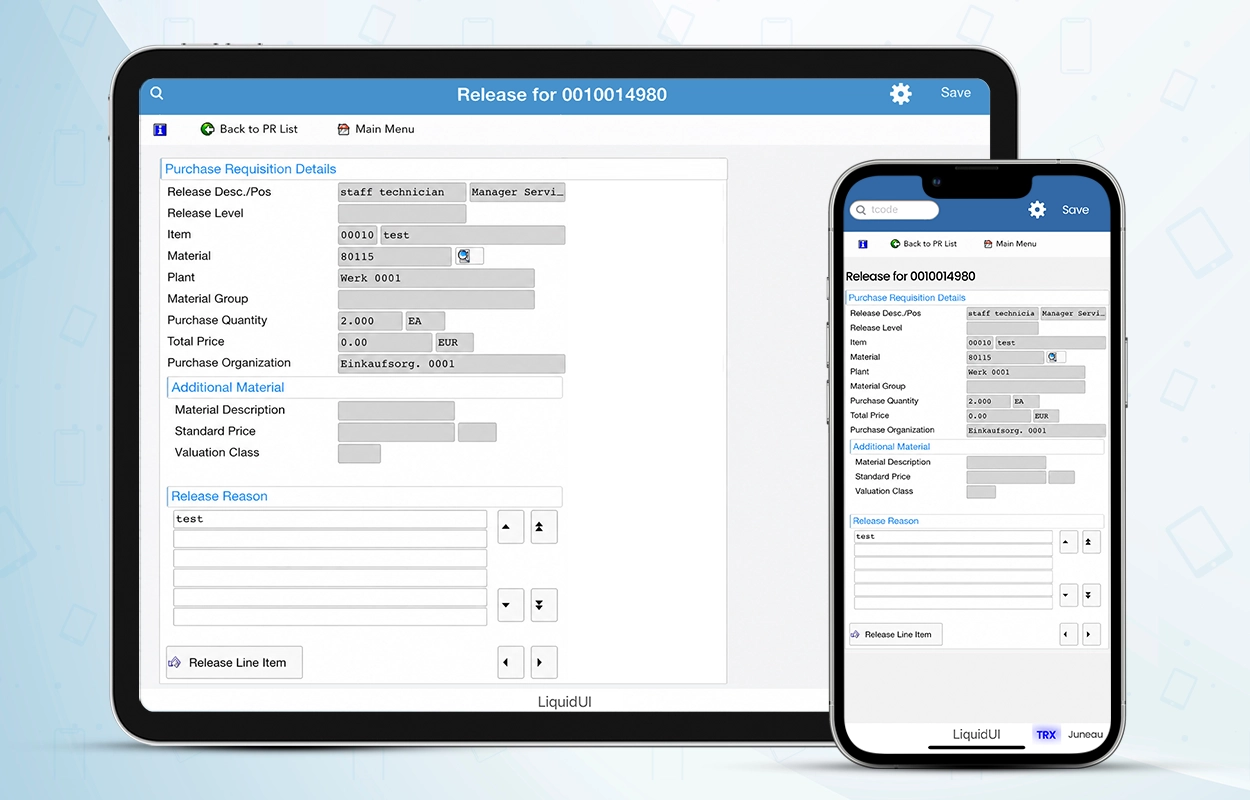
Mobile access for approvals and execution
Approvers release POs from their phone. Buyers check material availability on a tablet in the warehouse. Mobile workflows keep procurement moving without waiting for desk access.

How Hillyard Accelerated SAP MM with Simplified Screens
Hillyard consolidated multi-screen SAP MM transactions into single-screen workflows, dramatically reducing the time to complete material master creation, customer setup, and pricing updates.
- 87% faster material master creation – MM01 reduced from 4+ minutes (navigating 13 tabs) to 30 seconds on one screen
- 83% faster customer master setup – XD01 reduced from 3 minutes to 30 seconds with all required fields on a single screen
- Real-time pricing and stock visibility – ME12 simplified so customer service reps update pricing, check stock levels, and generate quotes without switching transactions
By using [Liquid UI], we were able to combine screens and transactions, cutting the purchase requisition creation time in half.
IT Confidence
What Liquid UI changes
Liquid UI optimizes the user experience only. SAP logic stays the same: business rules, and validations are untouched. Security and authorizations are enforced as they are today
Devices & deployment
Runs on handhelds/tablets and desktop where needed (Android, iOS, Windows, including Zebra-class devices). Updates are centrally managed so you can roll out changes consistently without rebuilding a custom mobile app.
SAP Native Security
End-to-end encrypted, SAP-native security. TLS 1.3 + SAPCRYPTO with optional mutual TLS, and no SAP data stored on devices by default.
Related Content
MM Console Datasheet
View material history, stock levels, and procurement actions from a single SAP MM screen to make faster, more informed decisions without backend changes.

Hillyard Case study
How Hillyard Improves SAP Transaction Speed by Up to 8x With Liquid UI

Advanced Energy Case Study
Advanced Energy Slashed SAP Requisition Time by 95% and Saved $100K With Liquid UI
Simplify SAP MM Without Changing Your Backend
Modernize procurement, inventory, and warehouse workflows with faster SAP screens, mobile access, and process automation powered by Liquid UI.