Salesforce and SAP Integration Deployed In Days
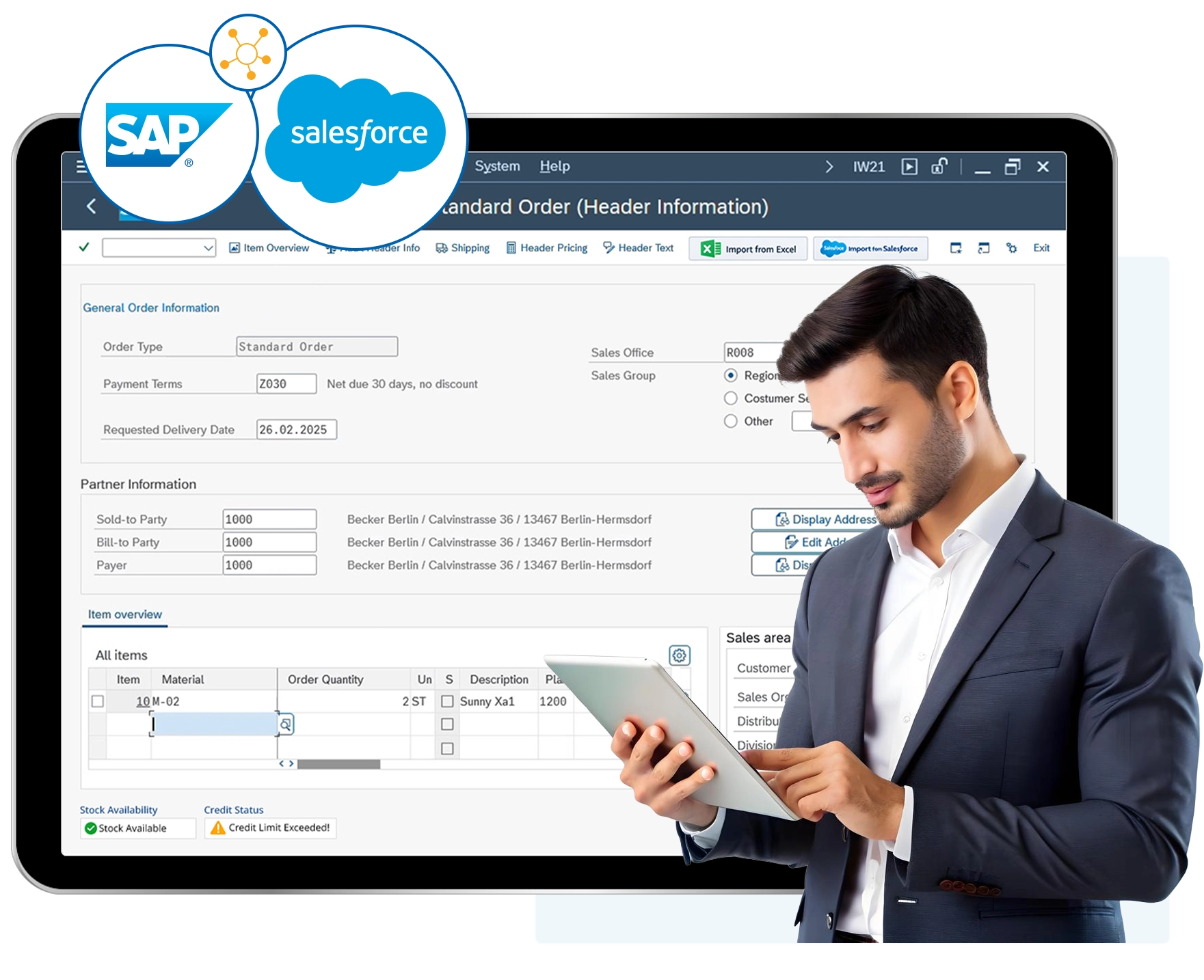
Liquid UI connects Salesforce and SAP so your sales team can trigger SAP transactions — quotes, orders, pricing lookups, inventory checks — without ever leaving the CRM.
No double-entry. No middleware to maintain. No backend SAP changes required.
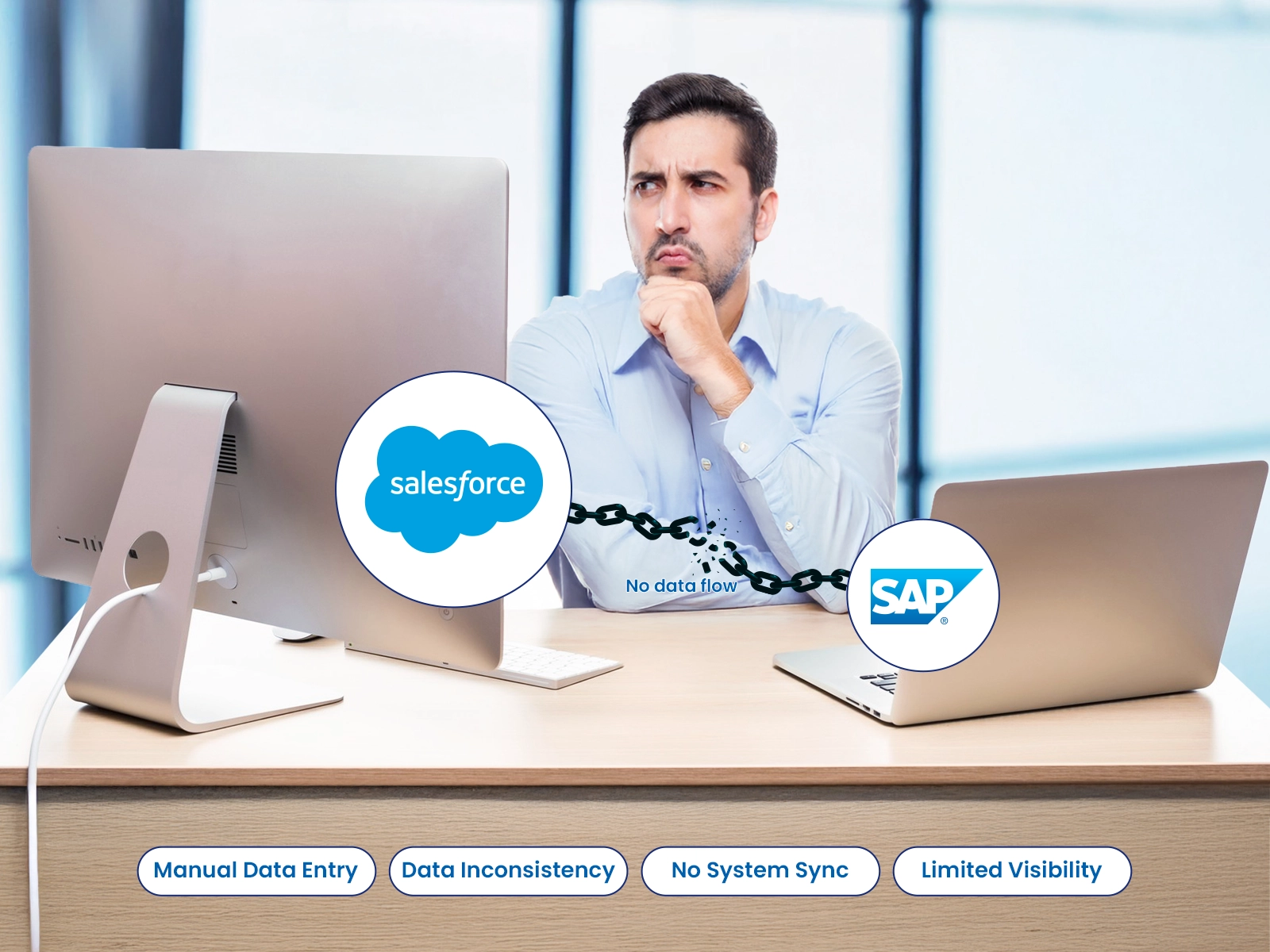
The Gap Between Salesforce and SAP Is Costing You
- Reps re-key opportunity data into SAP, wasted time and room for errors
- Pricing and inventory in SAP isn’t visible in Salesforce, so quotes are guesswork
- Orders, delivery docs, and invoices live in SAP with no visibility back into the CRM
3 Steps to SAP Salesforce Syncronicity

Work in Salesforce as normal
Your reps open an opportunity, account, or contact record. No new tools to learn.

Trigger SAP directly from Salesforce
Custom buttons let reps create SAP quotes,, look up pricing conditions, or create sales orders from within the Salesforce UI.

SAP executes the transaction
Liquid UI passes the data into SAP. Full SAP business logic, validations, and workflows fire exactly as designed.
Common Salesforce-to-SAP Workflows

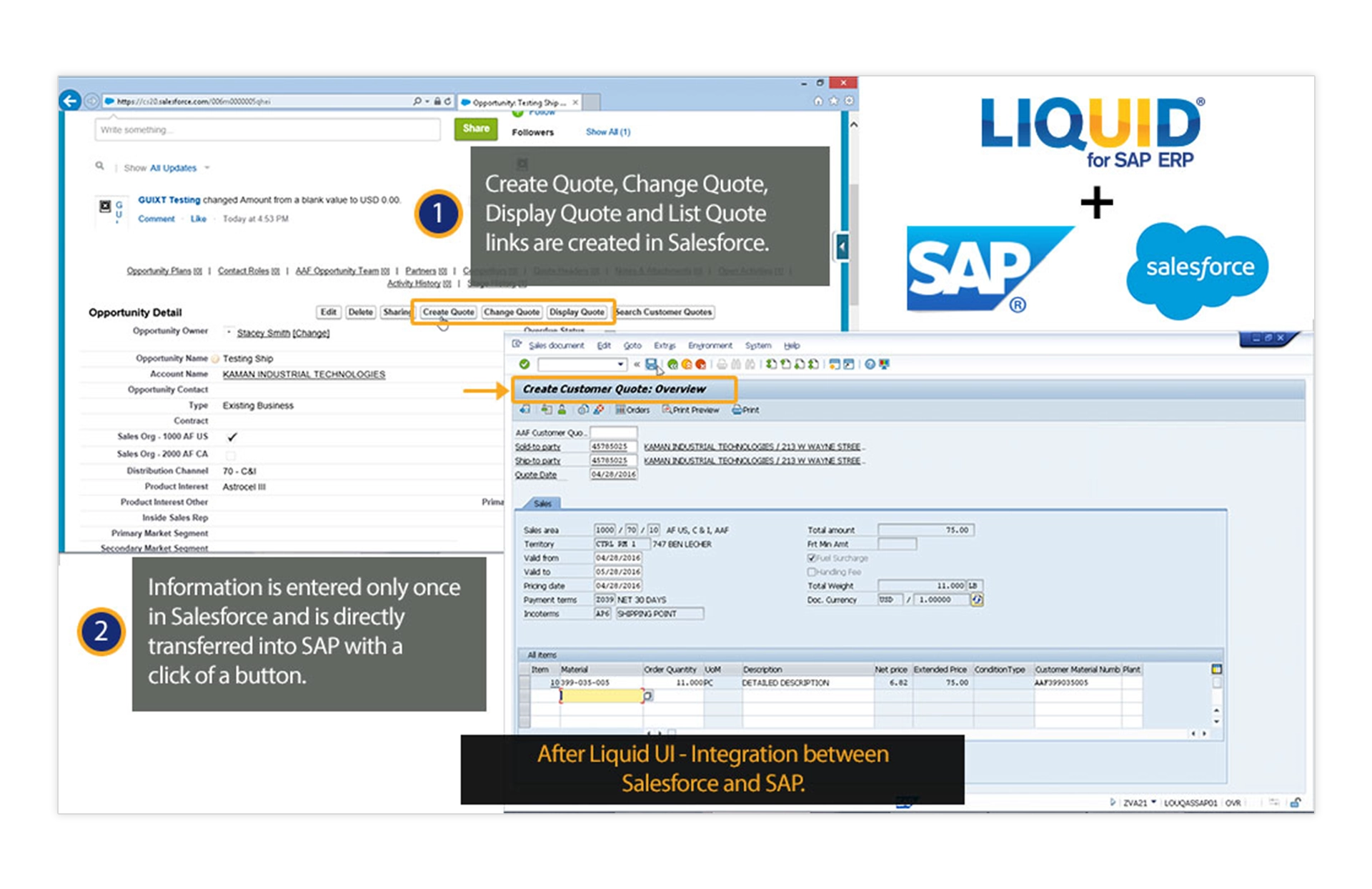
One-Click Quote Creation in SAP
From Salesforce, users can click a custom button to automatically create a quote in SAP, eliminating manual re-entry and speeding up the handoff from CRM to ERP.

Start a sales order
From an approved Salesforce deal, trigger SAP sales order creation
Once the deal is ready, users can launch sales order creation in SAP using the information already captured in Salesforce.

Update customer details
When a user updates ship-to or billing information in Salesforce, that data can be transferred into the SAP customer workflow before it causes order issues.

Prefill SAP order entry
Launch a simplified SAP order screen from Salesforce with key fields already filled in, so users can start with customer and order details pulled from Salesforce.

Alcon cut sales order processing time with Salesforce and Liquid UI integration
With a direct integration between Salesforce and SAP, Alcon reps open a pre-filled sales order in SAP with a single click. Screens were consolidated, fields auto-populate by order type, and duplicate data entry is eliminated entirely.
- 50% faster order processing
- 50% Reduction in training time
- 20+ SAP screens consolidated
Built for Enterprise IT

Secure Access Across Systems
Liquid UI supports TLS 1.3, mutual TLS, Kerberos, Active Directory, MYSAPSSO2, and SAP Secure Login so IT can enforce secure, policy-aligned access across Salesforce-connected SAP workflows.

Less Integration Sprawl
Instead of supporting separate mobile tools, web layers, scanner apps, and custom front ends, IT can manage one platform across SAP touchpoints with one customization layer to maintain.

Flexible Deployment for Connected Workflows
Deploy Liquid UI through server, desktop, or mobile models using the same platform, so IT can support Salesforce-connected SAP workflows without adding middleware, standing up a separate front end, or increasing infrastructure overhead.
Connect Salesforce and SAP Without Adding More Complexity
See how Salesforce and SAP integration can help your teams move faster, reduce manual work, and keep customer and operational data aligned across systems.