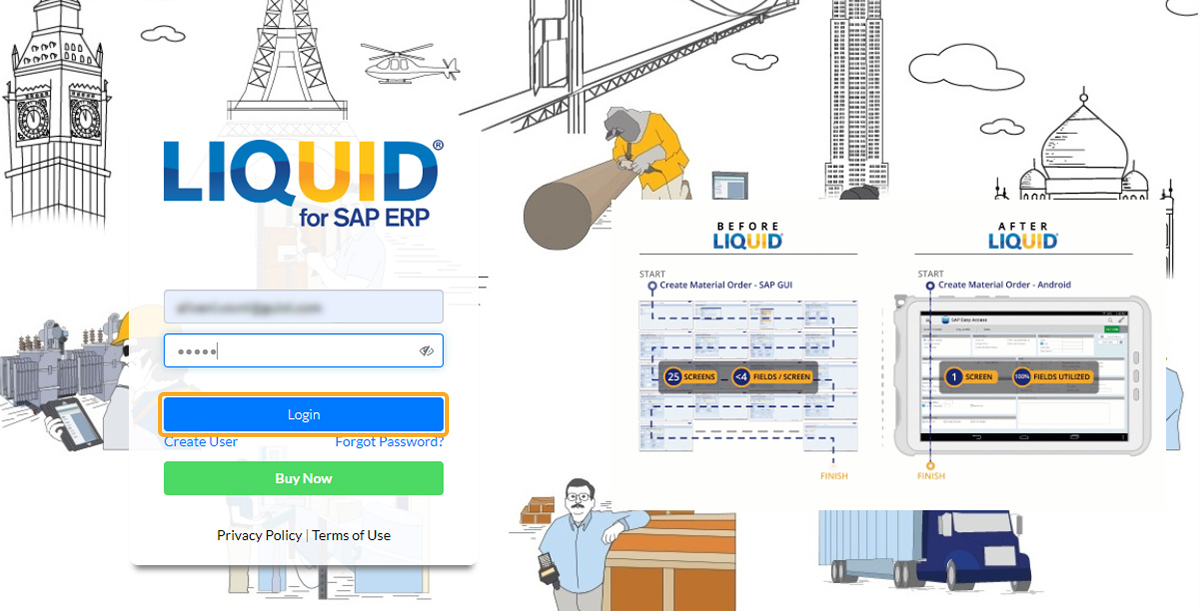
What Is Liquid UI Access Management Portal?
Liquid UI Access Management Portal (LAMP) is a web-based portal for registering and managing Liquid UI product licenses. It supports enterprise licenses for Android and iOS products and subscription plans for Liquid UI Client for SAP Apps.
Learn more about the subscription models for Android and iOS.
What Can You Do with LAMP?
LAMP lets you:
- Deploy product licenses and SAP connections remotely.
- Manage multiple licenses and SAP connections.
- Track license usage, user information, and device details.
How to Request a LAMP Account
Step 1: Request an Account
Send an email to rfi@guixt.com requesting account creation.
Step 2: Check Your Email
After your account is created, check your inbox for two emails from Liquid UI:
- Welcome email: Contains the account verification link and your login credentials.
- License details email: Contains the application installation link and license installation instructions.
The account creation confirmation screen is shown below.

Step 3: Verify Your Account
Open the welcome email and select the verification link to validate your account.
Step 4: Sign In to LAMP
- Open Liquid UI Access Management Portal.
- Enter your login credentials.
- Select the sign-in option to access your account.