

Account admins can remove users from the Liquid UI Access Management Portal (LAMP). Removing a user revokes their Liquid UI license and removes their associated devices.
Follow the steps below to remove a user from LAMP.
How to Remove a User from LAMP
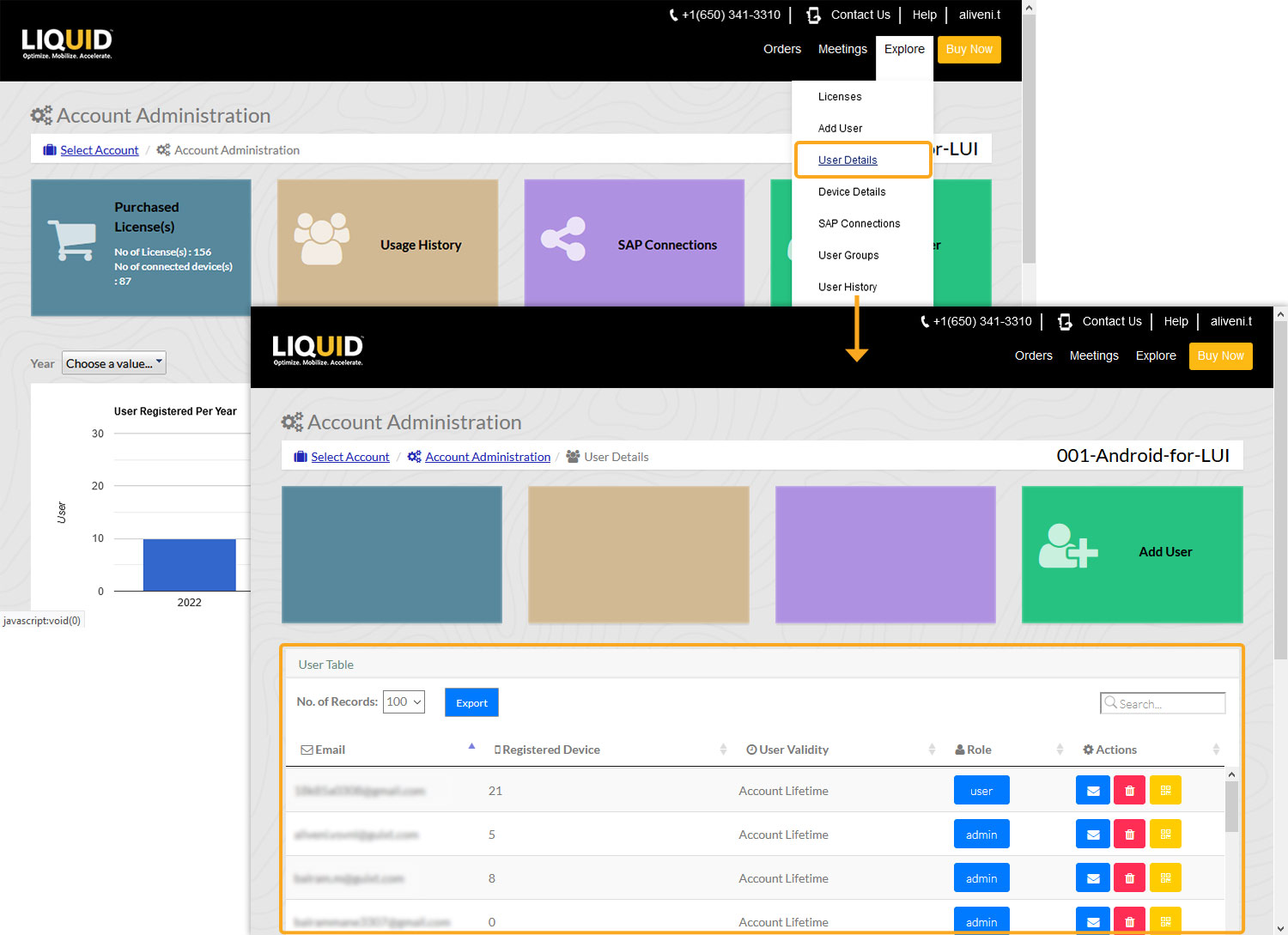
Step 1: Open User Details
- Log in to LAMP and open the required account.
- Navigate to the Account Administration screen.
- Select User Details from the Explore menu or the User Details tile.
Step 2: Select the User to Remove
- Locate the user you want to remove.
- Select the Delete icon under the Actions column.

Step 3: Confirm User Removal
- Review the confirmation message.
- Select Yes to confirm the removal or No to cancel.
- If required, select Remove from User Group(s)? to remove the user from their associated user groups.

Step 4: Verify Successful Removal
- After the removal is successful, the Email successfully revoked message appears.
- Select Close to dismiss the message.

Step 5: Check the Email Notification
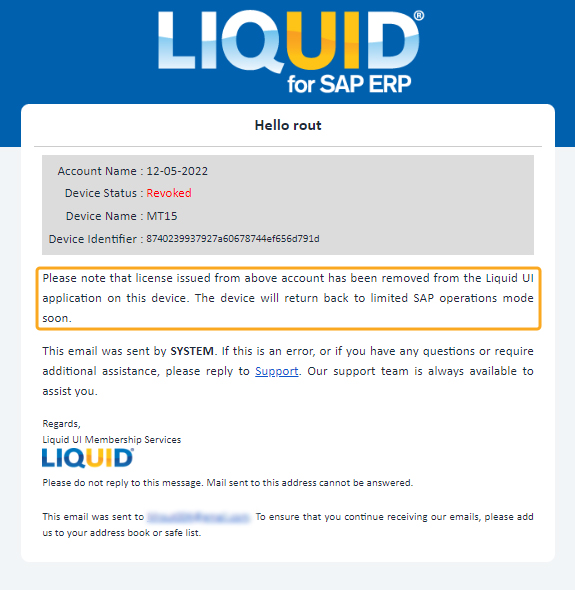
LAMP sends the removed user an email notifying them that their Liquid UI for SAP ERP device license has been revoked.