Faster, Easier Inbound Receiving and Goods Receipt in SAP
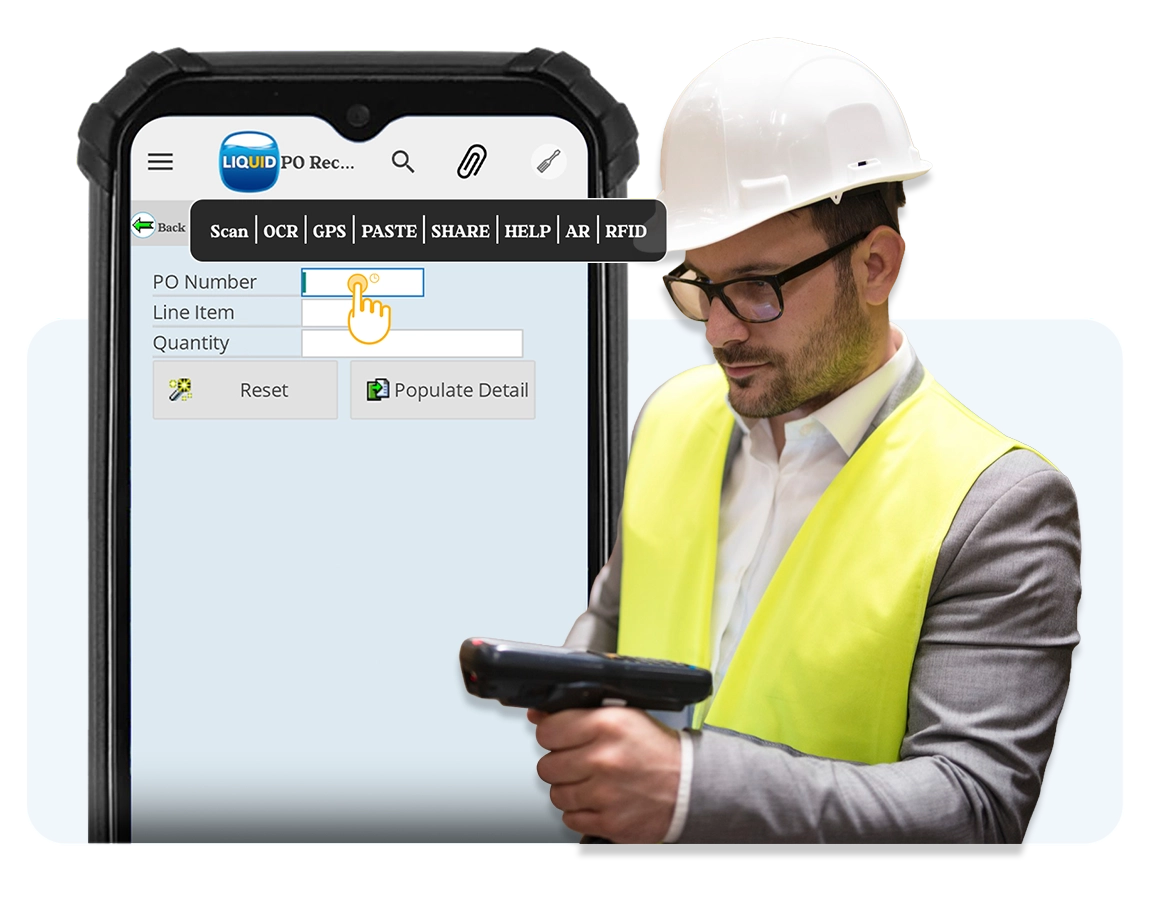
Your receiving dock is where inventory accuracy begins or breaks down. Manual MIGO processing means multi-screen navigation and hand-keyed data errors that cascade through your entire supply chain. Liquid UI transforms SAP goods receipt into a single-screen, scan-first workflow that’s deployable in one day and results in one week.
- Increase receiving speed
- Automate data entry
- Improve inventory accuracy







The Gap
Multi-screen navigation
Standard MIGO requires switching between 2+ screens and 20+ fields per receipt.
Manual errors
Material numbers, quantities, and storage locations are all typed. Errors made at receiving ripple through the entire warehouse. Wrong stock levels, misplaced material, failed picks downstream.
Training and turnover
Receiving is often where new hires start. SAP transactions like MIGO aren't intuitive, and a mistake at GR is harder to unwind than a pick error.
How Easy Inbound Receiving in SAP Could Be
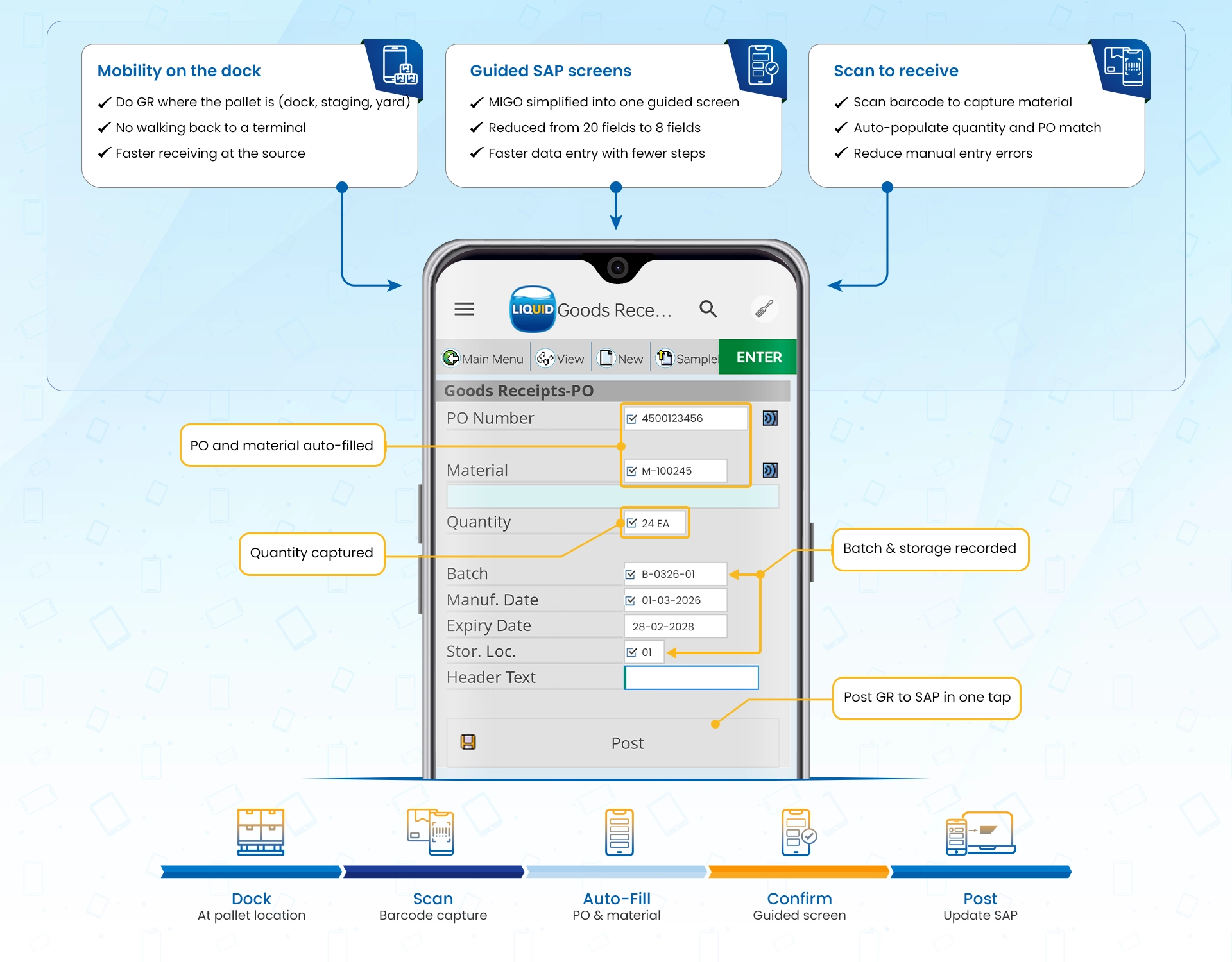
Transform Receiving with Liquid UI
Liquid UI turns SAP WM/EWM receiving into a dock-ready workflow. Mobile, scan-first, and guided interactions so teams post goods receipt and confirm putaway with fewer screens, and fewer errors for accurate inventory and efficient warehousing.

How ABB Strengthened SAP WM Execution with Scan-Based Validation
ABB streamlined SAP WM execution by reducing screen navigation and validating data at the point of action.
- 75% improvement in data accuracy by reducing manual keying and enforcing validated entries.
- 40% increase in productivity by automating repetitive steps and accelerating SAP WM task completion.
- Role-based launchpads helped users access the right WM transactions faster with less navigation.
Shop Floor transactions are as easy to use as an ATM
IT Confidence
What Liquid UI changes
Liquid UI optimizes the user experience only. SAP logic stays the same: business rules, and validations are untouched. Security and authorizations are enforced as they are today
Devices & deployment
Runs on handhelds/tablets and desktop where needed (Android, iOS, Windows, including Zebra-class devices). Updates are centrally managed so you can roll out changes consistently without rebuilding a custom mobile app.
SAP Native Security
End-to-end encrypted, SAP-native security. TLS 1.3 + SAPCRYPTO with optional mutual TLS, and no SAP data stored on devices by default.
Related Content
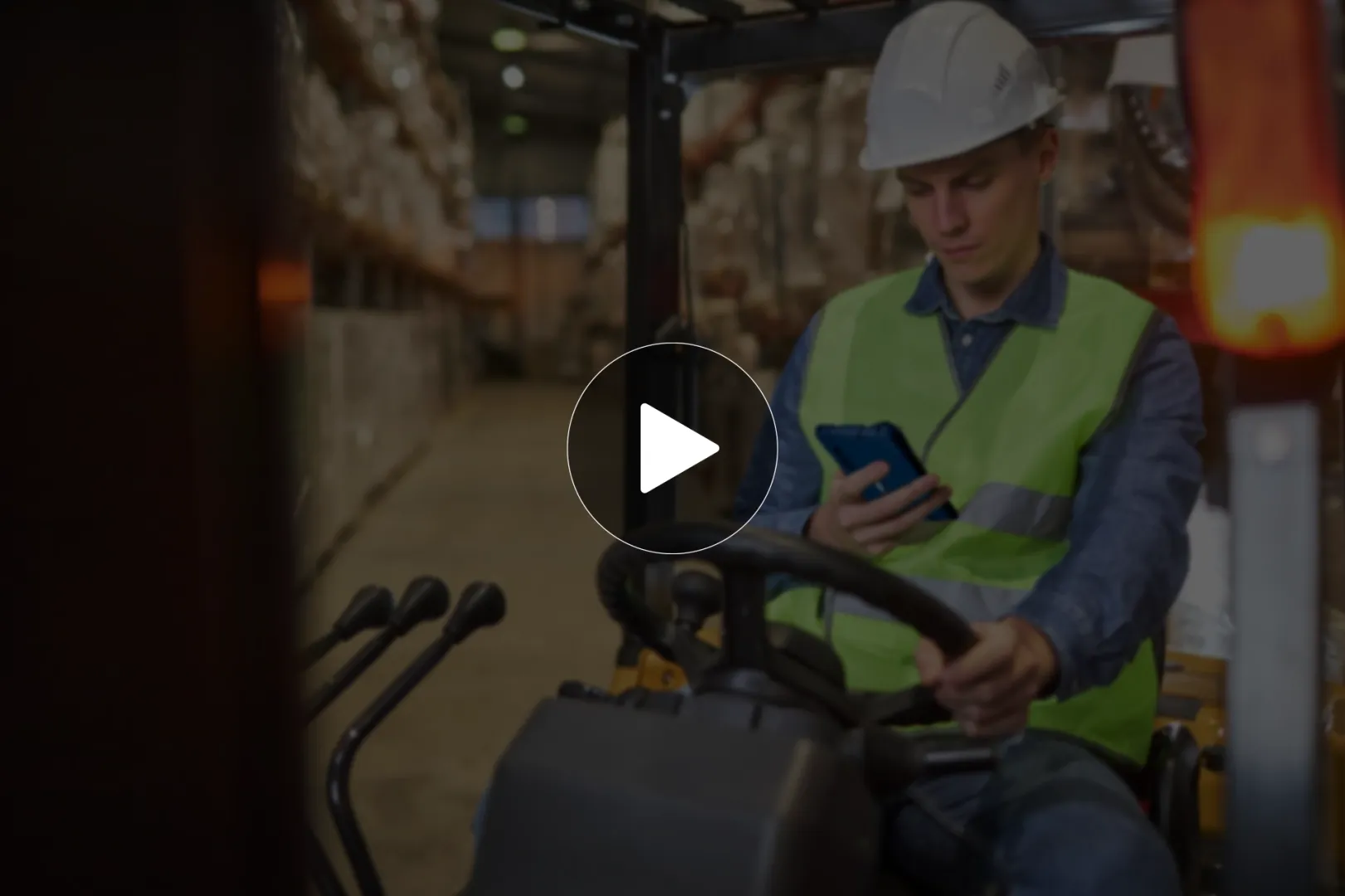
SAP Inbound Warehouse Workflow Demo
See how Liquid UI modernizes SAP inbound warehousing with barcode and RFID scanning, simplified screens, and mobile workflows for goods receipt and putaway.

How ABB strengthened SAP WM execution
See how ABB improved warehouse execution with scan-based validation, simplified SAP screens, and role-based launchpads for everyday warehouse tasks.
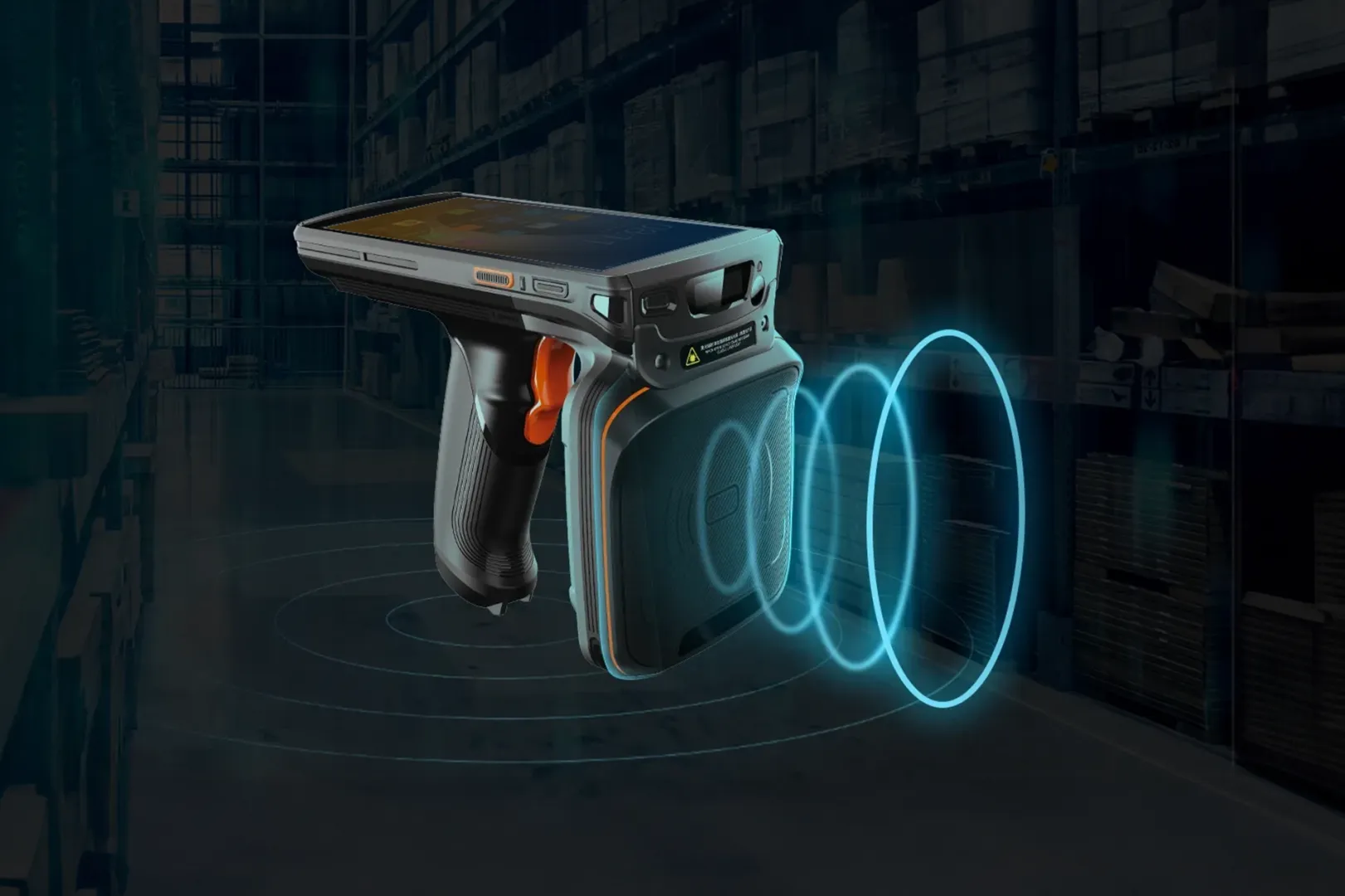
IoT for SAP GUI: Modern capabilities without the wait
An overview of how barcode scanners, RFID readers, and connected devices capture operational data directly within SAP workflows without middleware.
Speed up goods receipt and putaway at the dock.
See a guided SAP WM inbound receiving experience designed for goods receipt and putaway: fewer steps, fewer posting corrections, and faster confirmations from dock to bin.