


You can explore Liquid UI for iOS with a 30-day free trial license. The trial offers full access to SAP GUI functionality on iOS, enabling you to evaluate the experience before making a purchase.
You can request the trial using the following two methods:
Option 1: Request a trial license from the app (Recommended).
- Open the Liquid UI for iOS. Tap the Main Menu and select Request License.

- Tap Get Trial License, fill out the trial request form, and Submit the form.

- After you submit your request, you will get a confirmation email with setup instructions, download links, and helpful resources. This email will guide you to start with Liquid UI for iOS and includes links to schedule onboarding and view feature tutorials.

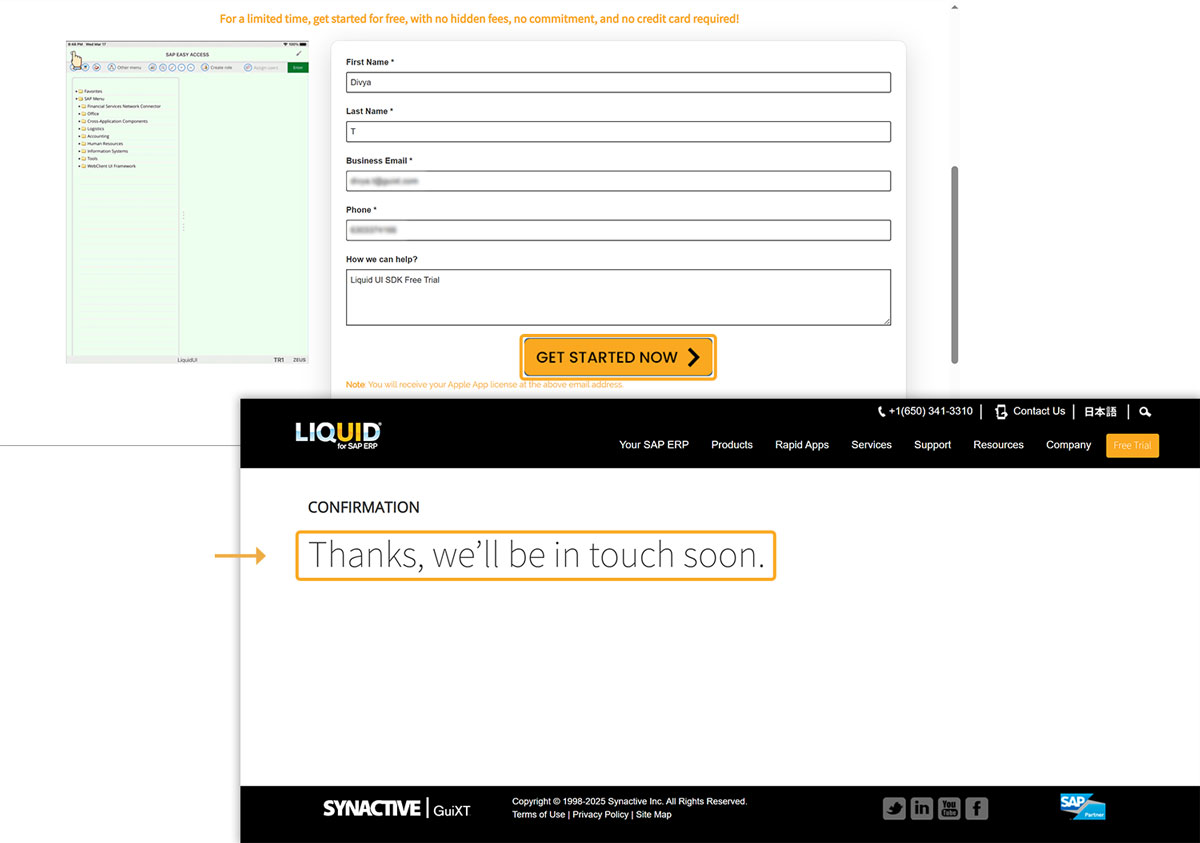
Option 2: Request a free trial license from the website.
- Open this link in the web browser. Fill in the required details and click GET STARTED NOW. Then, you will be redirected to a confirmation page after submission.
Trial license validity and limitations
The trial license is valid for 30 days. After expiration, you can choose to:
- Buy from the App Store
- Activate via Liquid UI Access Management Portal (LAMP)
Without a valid license, usage is restricted to:
- Connect to only two SAP systems
- The 150-packet limit between the app and the SAP server
To restore full functionality, request a new license or purchase one.