

After validating your Liquid UI Access Management Portal (LAMP) account, you can log in using the credentials sent to your registered email address. Follow the steps below to access the portal.
Logging in to LAMP
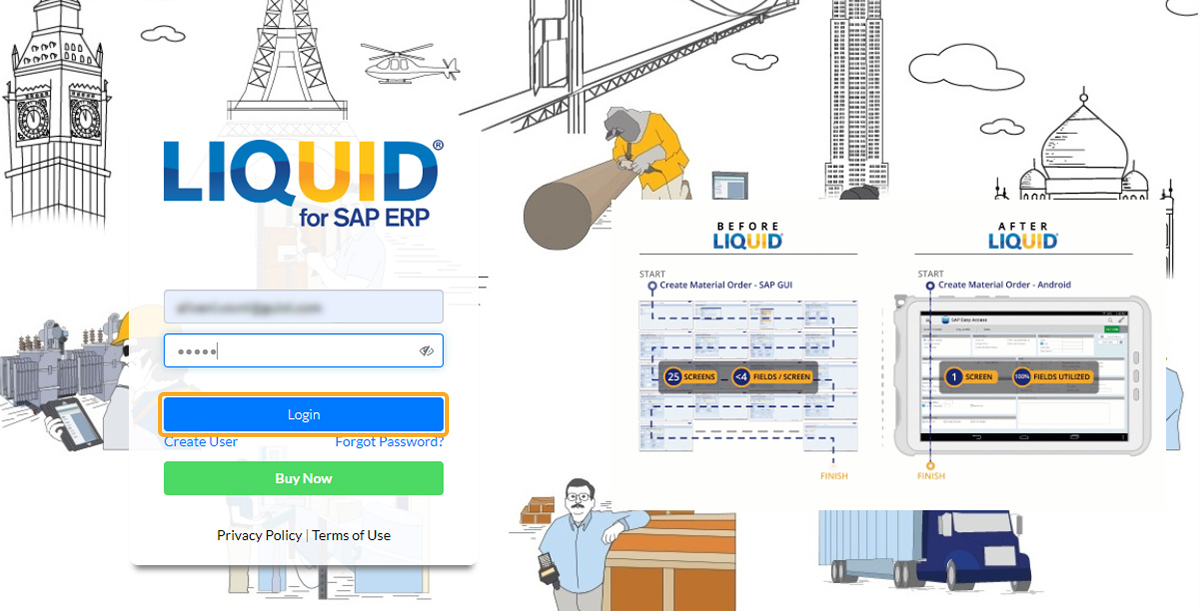
- Open a web browser and navigate to https://ps.liquid-ui.com.
- Enter your registered email address and password in the login fields, then click Login to access your LAMP account.
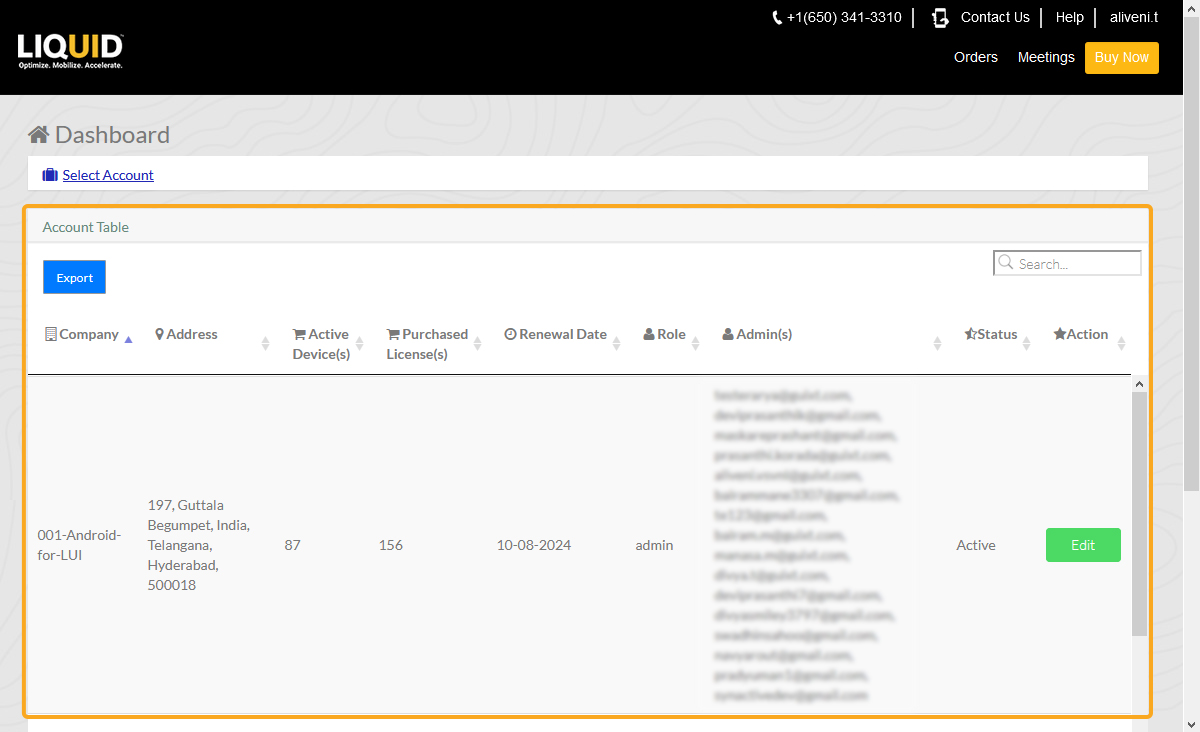
- After successful login, LAMP opens the dashboard, where you can view the Account Table and access the available account management options.

Note: You must validate your LAMP account before logging in. If you have not created an account, refer to Creating a LAMP Account