You can use a variable instead of a string to as the new title of a screen. In the following example, we will use the value contained in a system variable as the new screen title.
-
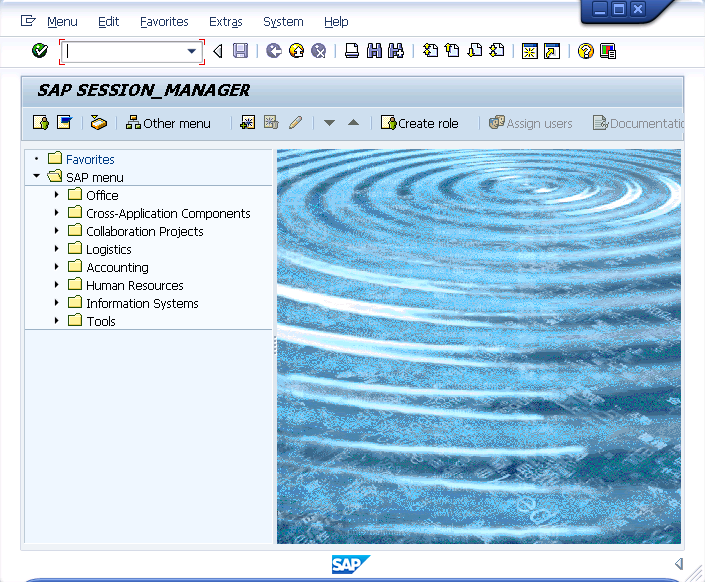
Go to the Easy Access screen. The default screen appears as shown below:

-
Save the changes and refresh the SAP screen. It will now display as shown below:
-
THe screen will display as shown below:
