The clearscreen command deletes all screen objects on the current SAP screen.
The clearscreen command can be used instead of the del command. This is particularly useful when preparing a given screen for a custom appearance as in the case of a Mobile application. The syntax is as follows:
clearscreen();
Options
The clearscreen command does not take any options.
Example
We will demonstrate how clearscreen works on the MM01 initial screen. The default screen appears as follows:
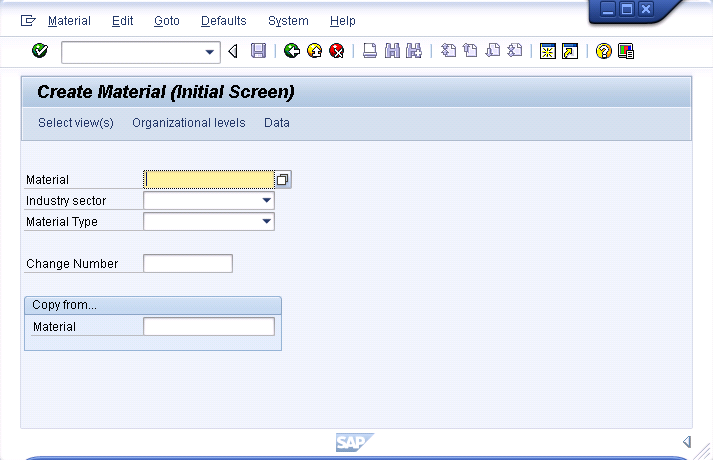
- Open the 'SAPMV45A.E0100.sjs' script file. Create it if does not exist.
-
Add the following code to the script file:
clearscreen();
-
All existing elements will be removed and the screen will now appear as shown below:
