GuiXT is bundled with every release of SAP. It provides SAP users with a method to customize SAP screens and transactions without necessitating any ABAP programming. Instead, users can simply write short scripts that will customize SAP, removing unnecessary screens and simplifying the interface. Once you purcahse a valid license, you can perform more advanced tasks, such as combining transactions. GuiXT is deactivated by default. To activate GuiXT, please do the following:
-
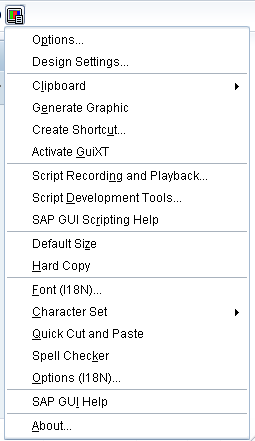
Launch SAP and either press Alt + F12 or go to the Customize Local Layout menu icon shown below

-
Click the icon and the menu will display as shown below:
-
A checkmark will appear in front of the selected option as shown below:
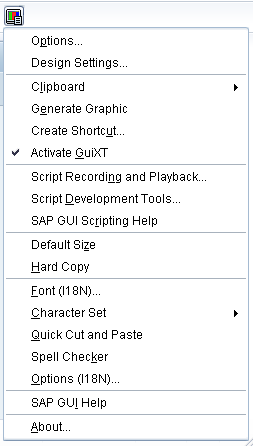
GuiXT is now active and you can begin writing scripts to c